マーケティング用背景削除
Picsartのオンライン背景削除を使用して、ワンクリックで画像の背景を削除します。素晴らしい広告で販売促進を簡単に行いましょう。
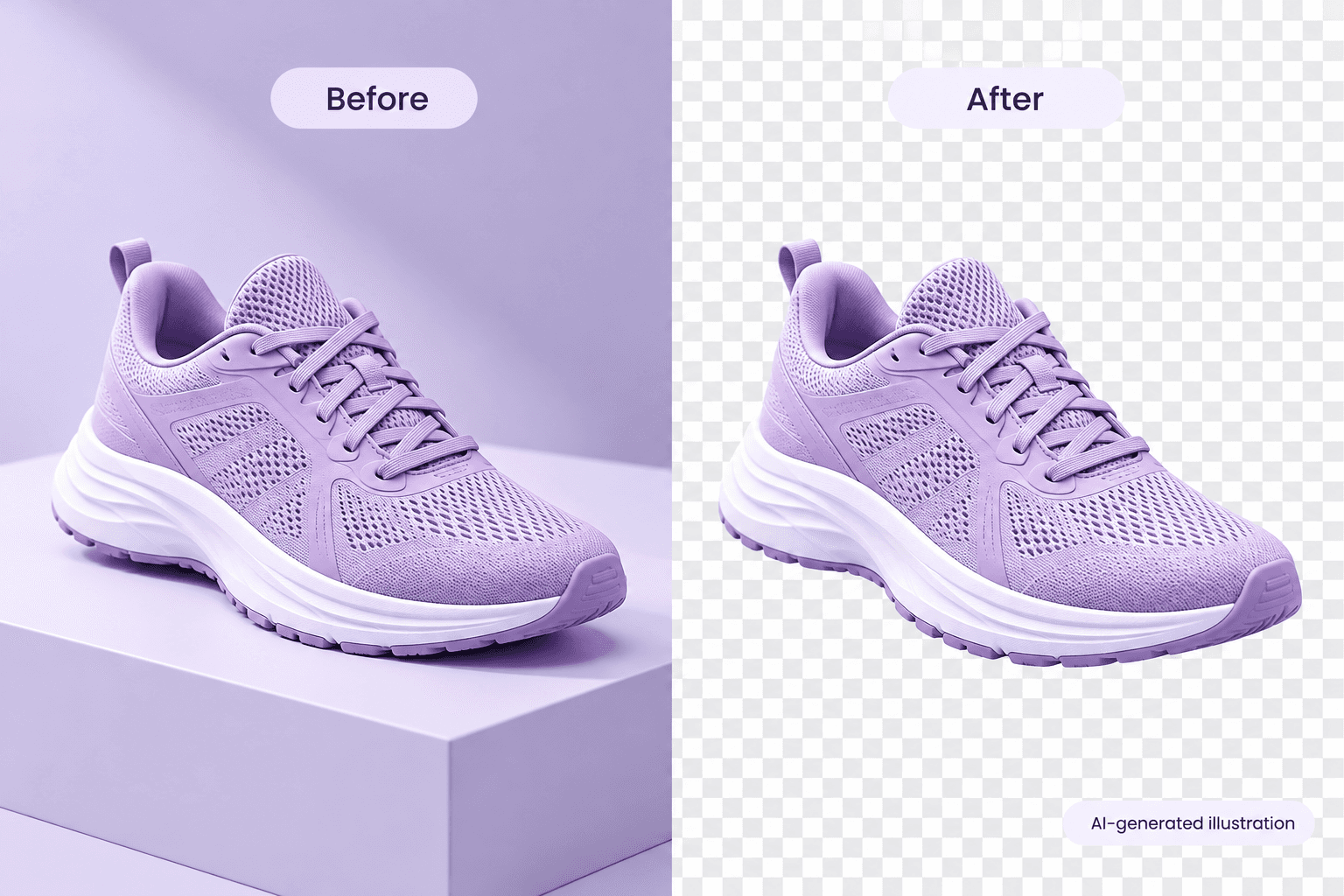
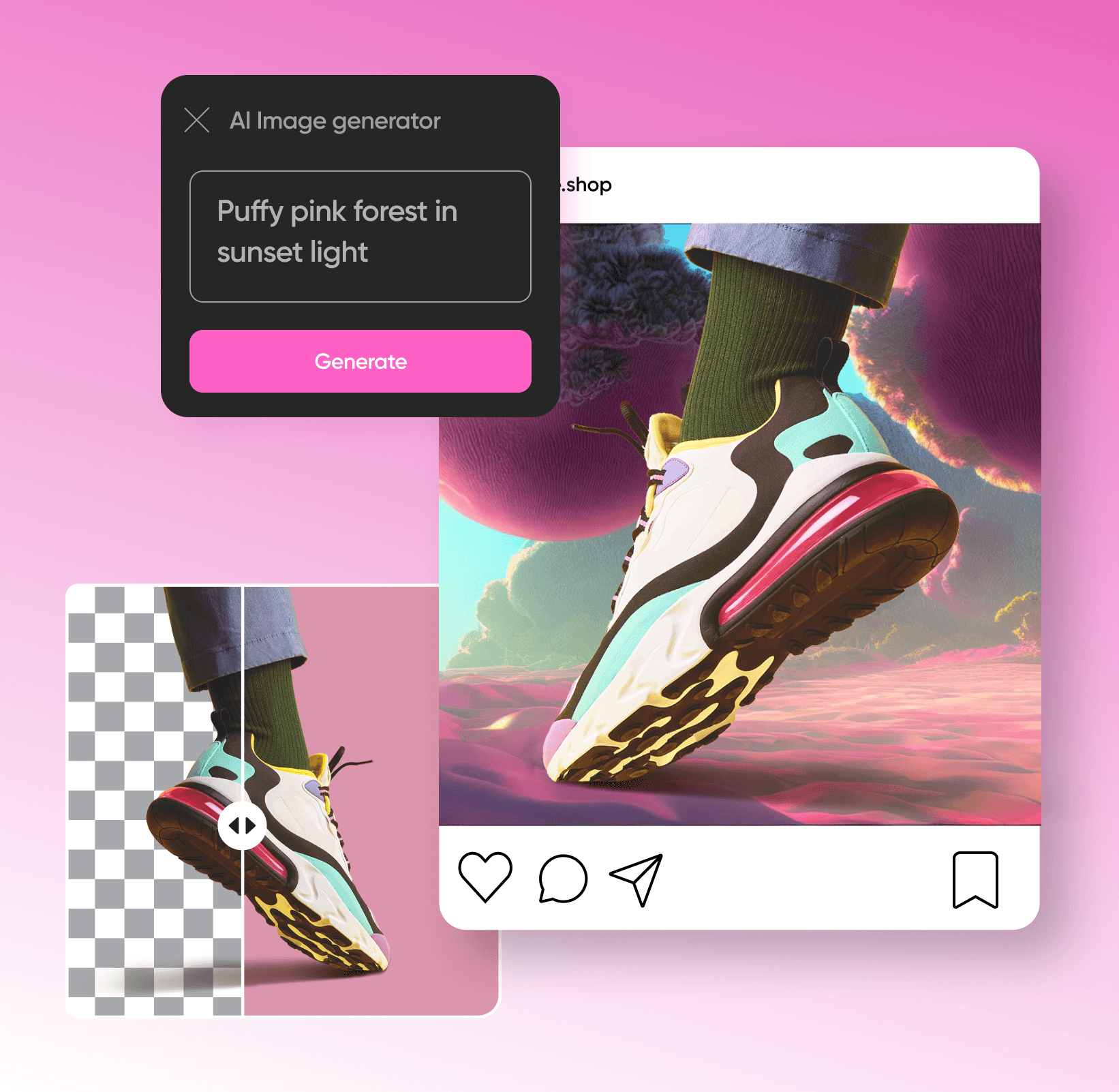
AI画像モデルでマーケティングを作成する
画像モデルを使用して、背景、商品ショット、切り抜きを洗練されたビジュアルに変換します。
画像から背景を削除する方法
How to
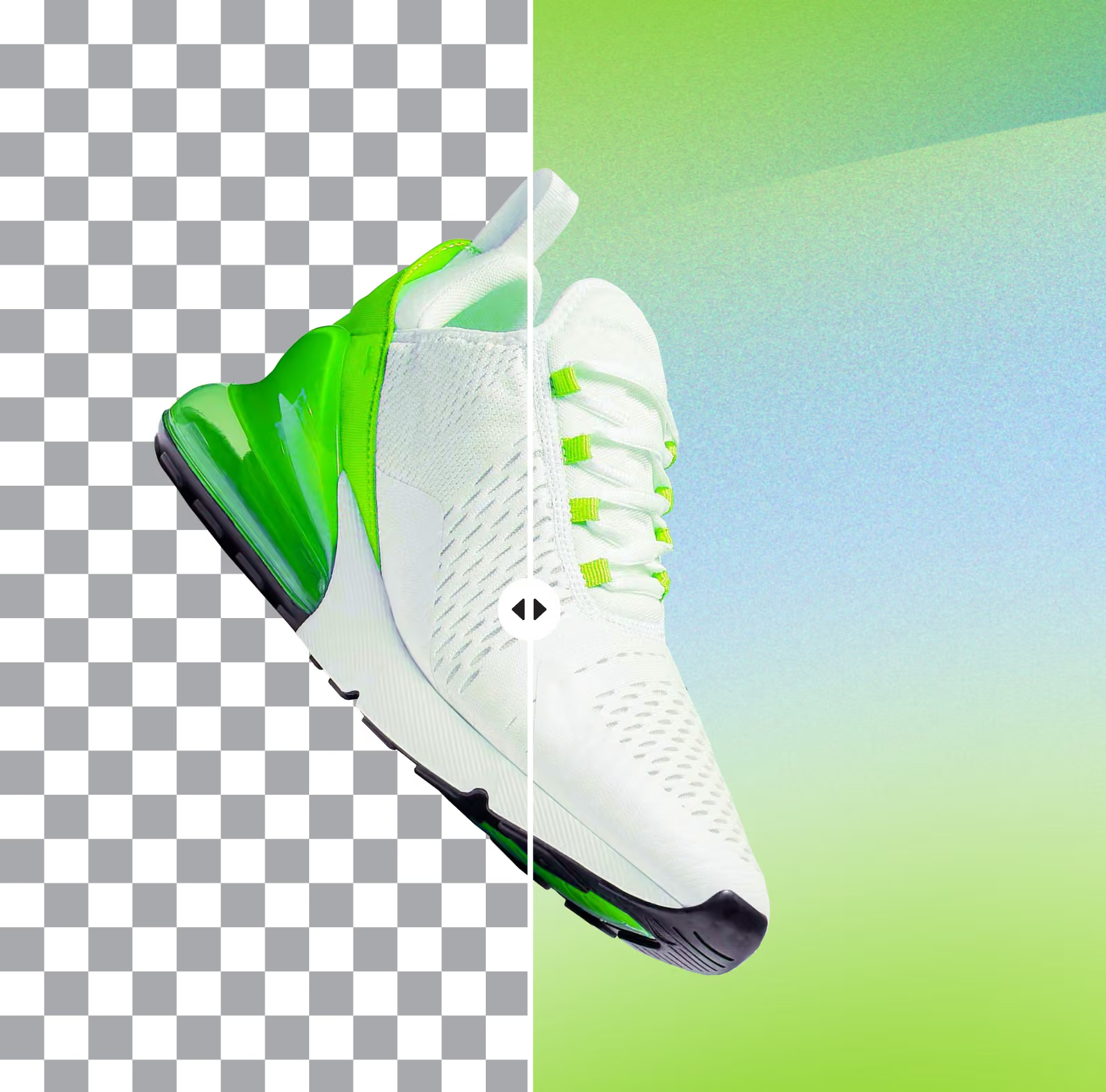
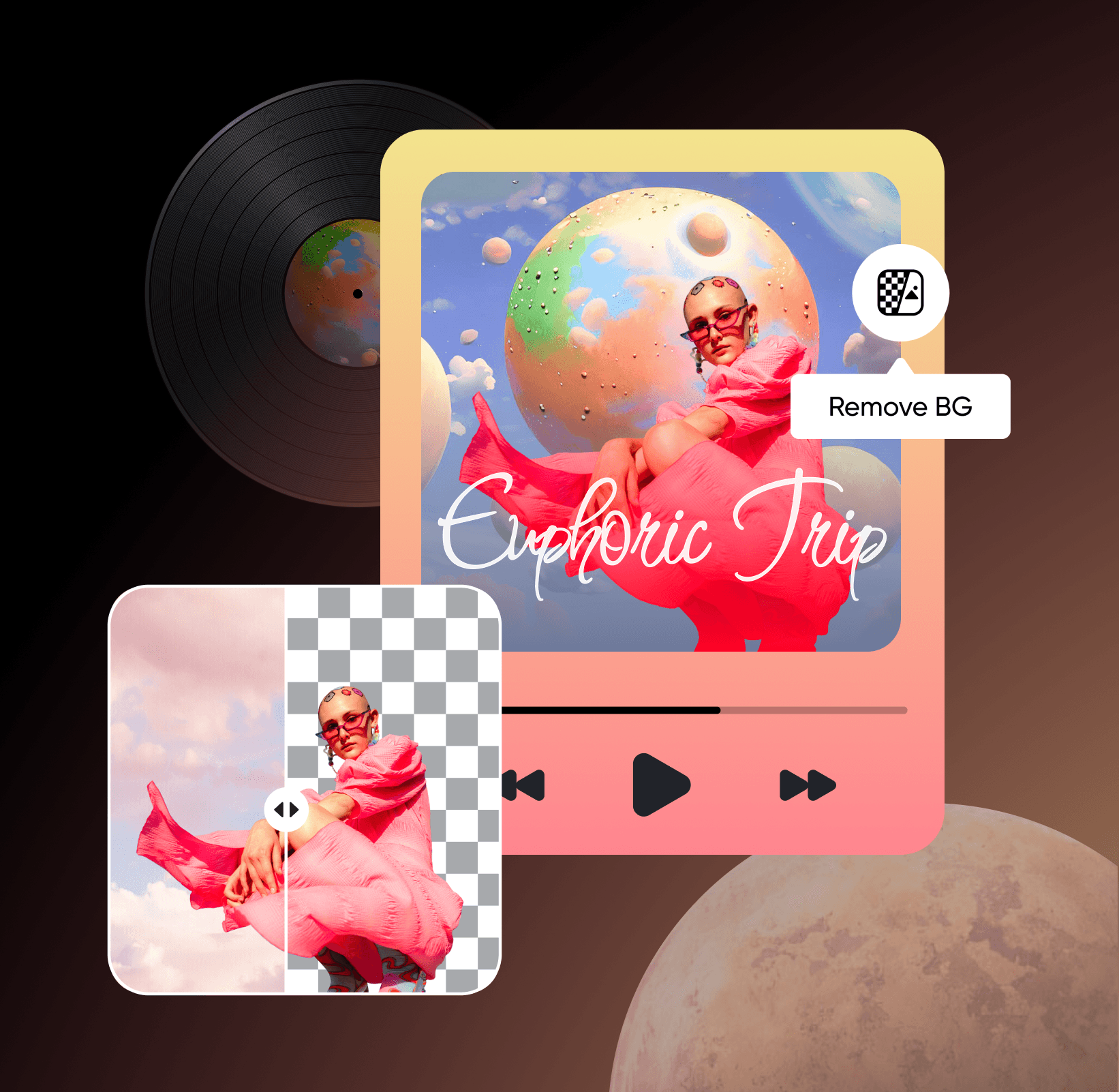
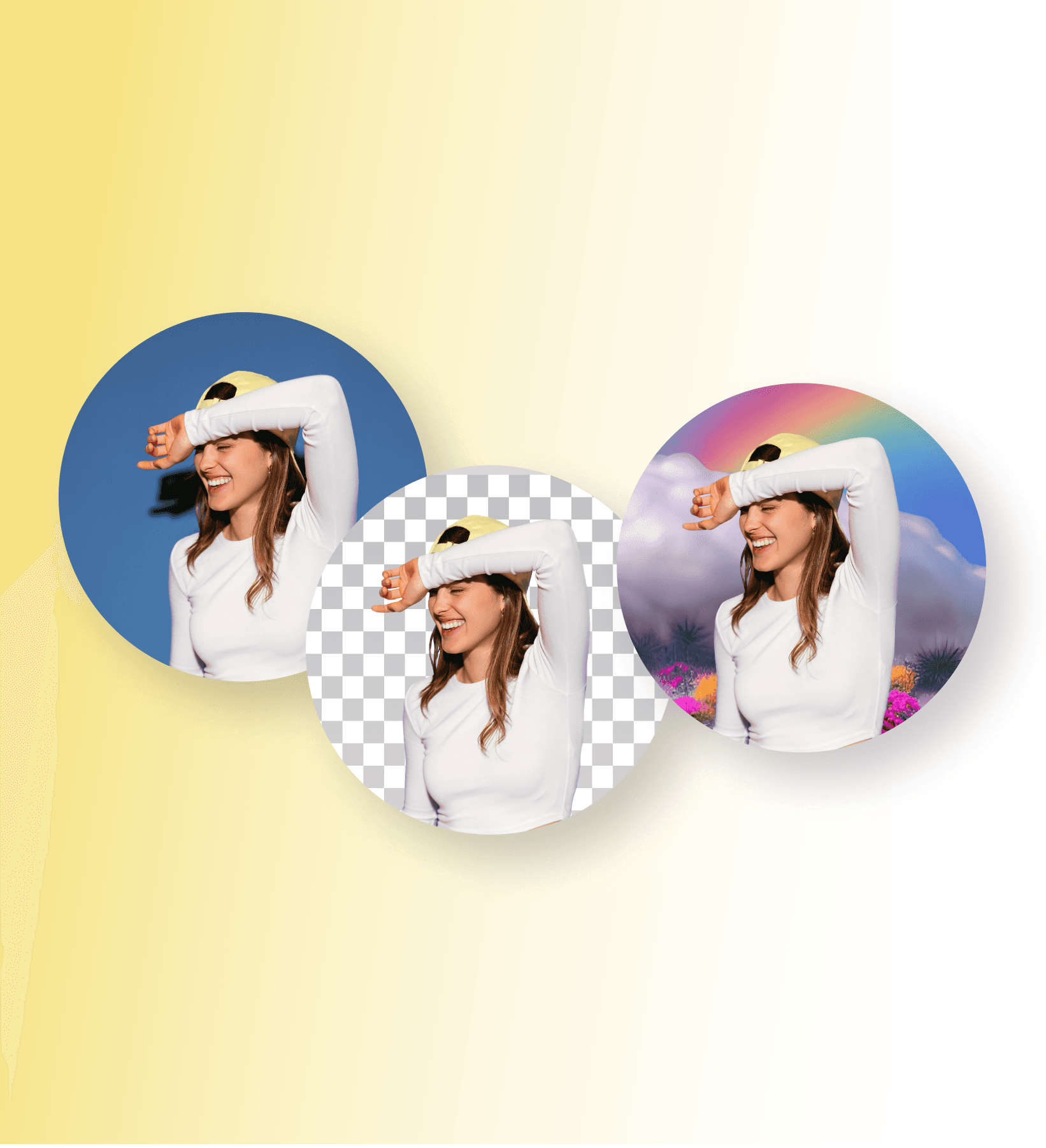
時間を節約して創造性を高める
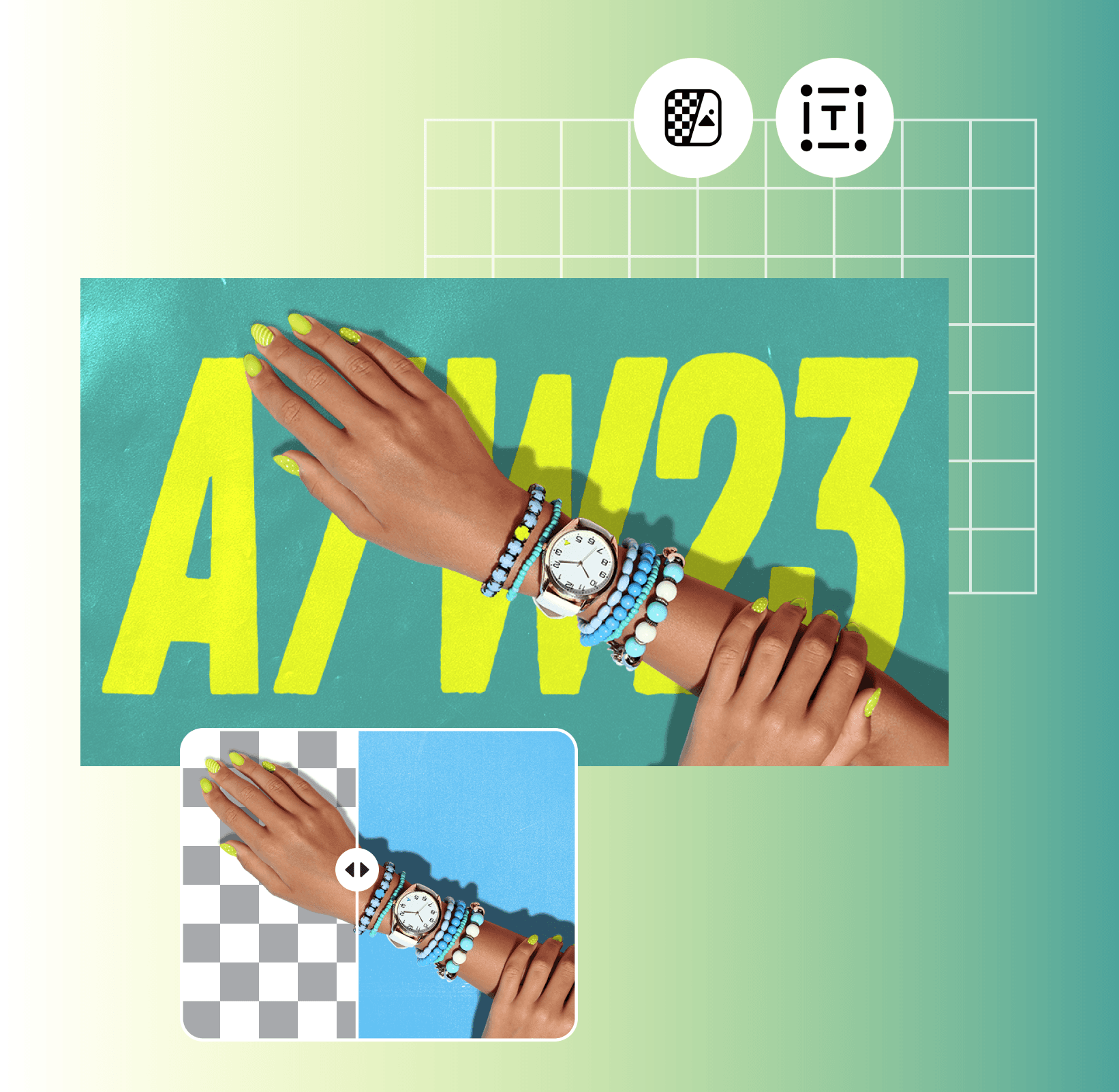
写真編集背景削除ツールは、マーケターが創造性を発揮し、最小限の努力でユニークなビジュアルを作成するための無数の機会を提供します。透明な背景を使用すると、マーケターは製品画像をカスタム背景やテキストオーバーレイなどの他の要素とシームレスに組み合わせて、背景を変更することができます。結果として、競争から際立ち、ブランド認知を構築する記憶に残る広告キャンペーンを作成できます。背景を削除した後、テキストを追加するまたは当社のオンライン写真エディターを利用してマーケティング素材を高めます。
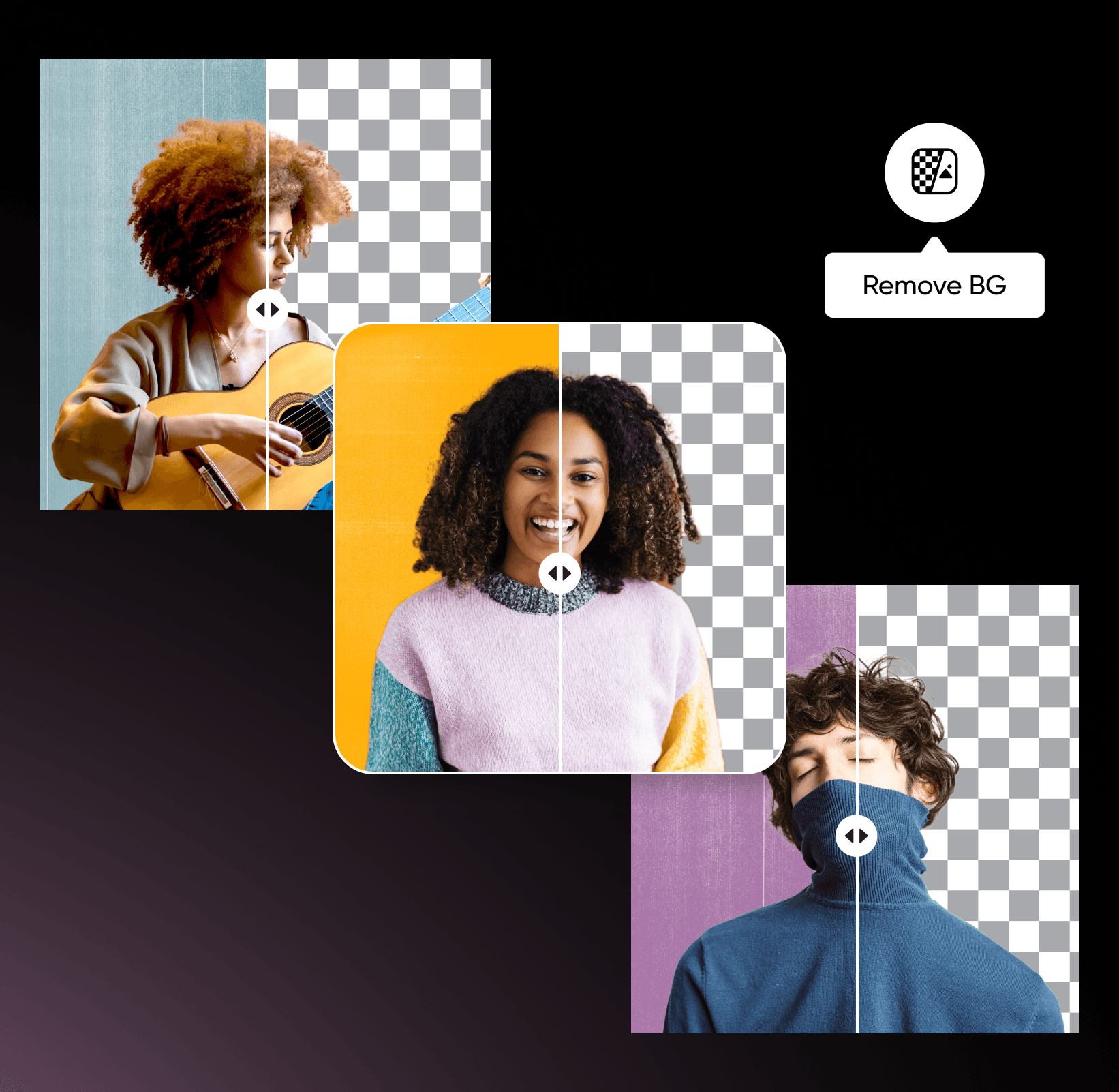
背景編集の理解
背景の削除、置換、クリーンアップについて学びましょう。




背景削除に関するFAQ
画像背景リムーバーを使用すると、製品を強調し、エンゲージメントを高め、プロ品質の広告をワンクリックで作成できます。
プレスでのPicsart


クリエイターコンテンツを整えて磨きをかける
SAVE UP TO 50%
Pro
Most popularAI tools for everyday creative work.
Billed yearly
Ultra
Most powerfulHeavy AI usage for creators & teams.
Billed yearly
関連する編集ツールを探る

背景チェンジャー単色、グラデーション、準備された画像などで背景を簡単にカスタマイズします。

AI背景ユニークなAI生成の背景で競争から目立ちましょう。

白い背景画像品質を犠牲にせずに、退屈な白い背景にさよならを。

写真からオブジェクトを削除する人工知能を使用して写真から不要なオブジェクトを自動的に削除します。

Zoom背景クリエイターインスピレーションを与えるZoom背景とカスタマイズ可能なテンプレートで個性とプロフェッショナリズムを強調します。

AI写真編集高度なAI駆動の編集ツールで創造性を表現する新しい機会を見つけましょう。