Citaatmaker: maak online citaatposters met een onvergetelijke boodschap
Zeg iets gevat, inspirerends of doordachts met de online citaatmaker van Picsart. Combineer eigen afbeeldingen met unieke uitspraken, slogans of promotieteksten om citaatposters te maken voor sociale media, websites, video's en advertenties.
- Zet je woorden in de spotlight
- Geef ze jouw eigen stijl

Ontwerp citaten met AI-afbeeldingsmodellen
Gebruik afbeeldingsmodellen om citaten om te toveren tot verzorgde visuals, ontwerpideeën en assets die je direct kunt bewerken.
Vind citaatpostersjablonen in elke stijl
Zelf aan de slag gaan betekent niet dat je alles zelf hoeft te doen. Ontwerp moeiteloos een citaatposter met professioneel gemaakte sjablonen. Van ultraminimalistische posters met effen achtergronden tot gedetailleerde ontwerpen met levendige fotografie: gebruik de uitgebreide collectie citaatpostersjablonen van Picsart om je boodschap te laten opvallen.


Zo maak je een citaatposter
How to
Open de foto-editor van Picsart
Selecteer de knop Nu maken om de foto-editor te openen.
Breng ideeën onder de aandacht en promoot ze met een citaatpostermaker
Deel je boodschap met de wereld. Of het nu gaat om een motiverend citaat, een slimme grap of een pakkende merkslogan: citaatposters zijn een populaire manier om met slechts een paar woorden contact te maken met je doelgroep. Maak citaten om gesprekken op sociale media op gang te brengen. Deel inspirerende inzichten in blogs en nieuwsbrieven, of stimuleer groei en leren in het onderwijs. Met de gebruiksvriendelijke foto-editor van Picsart kan iedereen snel en eenvoudig professioneel ogende citaatposters ontwerpen.

Maak online citaatposters en bewerk ze helemaal naar wens
Houd de volledige controle over het ontwerpproces en stroomlijn tegelijk elke stap. Met de intuïtieve bewerkingsfuncties van Picsart maak je snel en eenvoudig online citaten vanaf nul. Begin met een sjabloon ter inspiratie, voeg achtergronden of foto's toe, of maak afbeeldingen lichter voor meer impact. Met de handige citaatgenerator van Picsart kun je zelfs AI gebruiken om een passend citaat voor je thema te kiezen. Kies uit een ruime selectie lettertypen voor je citaattekst en maak het ontwerp helemaal af.

Geniet van de eindeloze mogelijkheden van de citaatpostermaker van Picsart
Pas de elementen aan die voor jou belangrijk zijn en automatiseer de rest. Of je nu een sjabloon gebruikt of je eigen ontwerp maakt, met de citaatpostermaker van Picsart kun je tekst, foto's, achtergronden en andere elementen personaliseren voor een unieke uitstraling. Maak citaten met een combinatie van lettertypen en -groottes en varieer met de plaatsing van randen, vormen en afbeeldingen. Download het voltooide ontwerp vervolgens in hoogwaardige bestandsindelingen zoals JPG, PDF of PNG, zodat je creaties op elk platform en in elk medium schitteren.

Til je citaatposterontwerpen naar een hoger niveau
Wil je met je visuals een blijvende indruk maken? Gebruik de online citaatpostermaker van Picsart om unieke posters te maken die iedereen leuk vindt en deelt. Ontdek alle mogelijkheden om met de ontwerptools van Picsart een persoonlijk tintje te geven aan elk element van je posters en andere creatieve projecten, van collagesjablonen en cartoonfilters tot kleur- en glitch-effecten.
Veelgestelde vragen over de citaatmaker
Voeg foto's toe aan citaatposters door een afbeelding vanaf je computer te uploaden of foto's uit de afbeeldingenbibliotheek van Picsart te kiezen. Wil je foto's als achtergrond gebruiken, dan kun je afbeeldingen uitbreiden zodat ze in het vooraf ingestelde posterformaat passen. Je kunt ook eenvoudig extra afbeeldingen over een achtergrond plaatsen of ze ergens in je ontwerp neerzetten. Jij bepaalt de indeling.
Meer handige tools
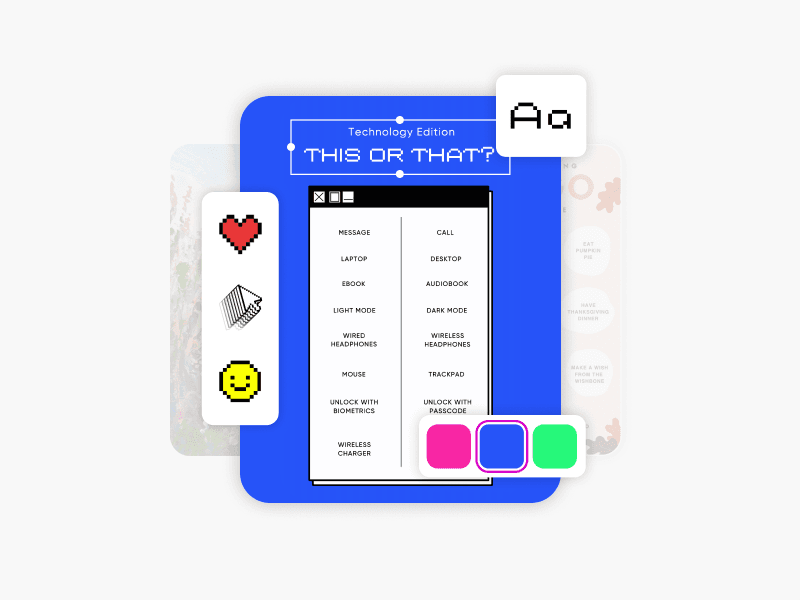
Quizmaker
Ontwerp leuke quizzen voor educatie, marketing en interactie op sociale media.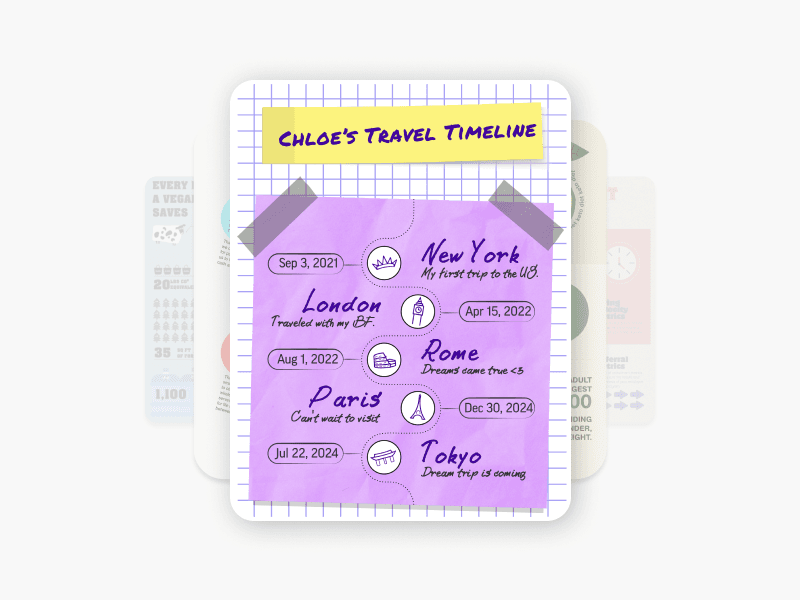
Infographicmaker
Maak informatieve infographics met kant-en-klare sjablonen van Picsart.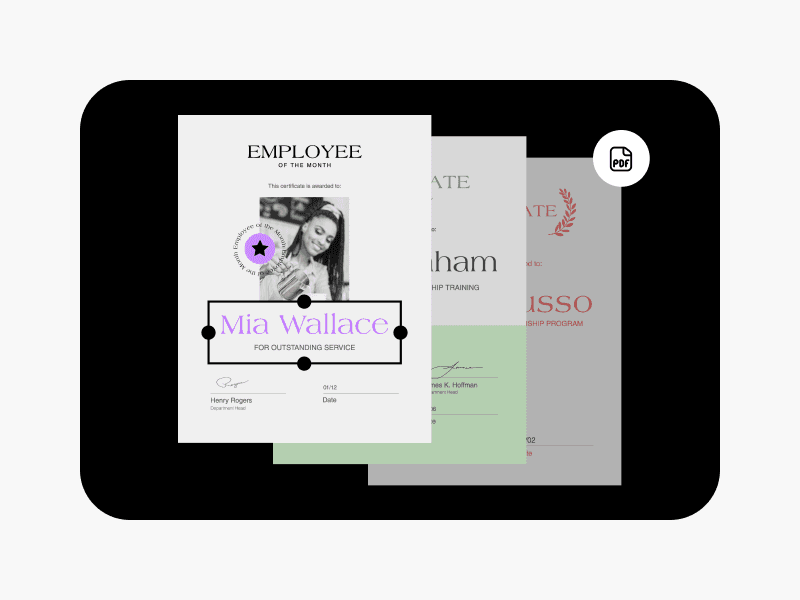
PDF-maker
Maak direct verzorgde PDF-bestanden met de sjablonencollectie van Picsart.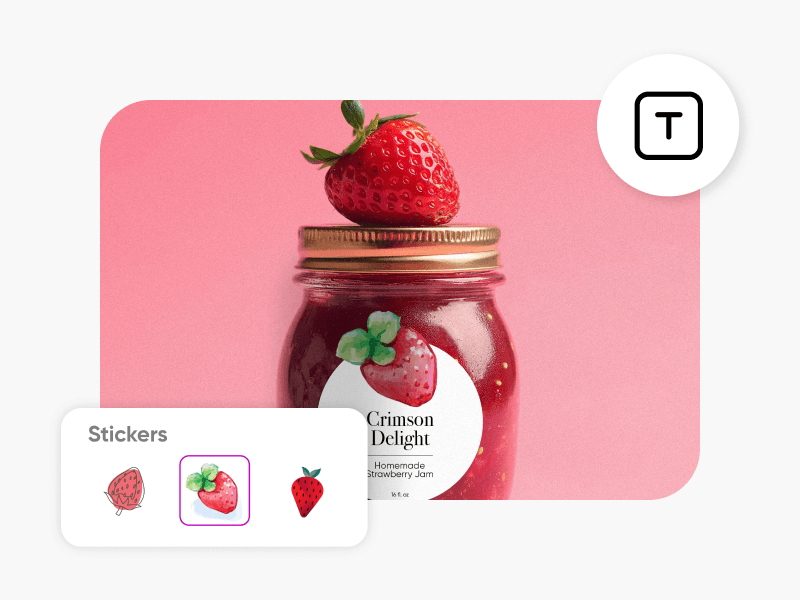
Labelmaker
Maak professionele productlabels met de labelmaker van Picsart.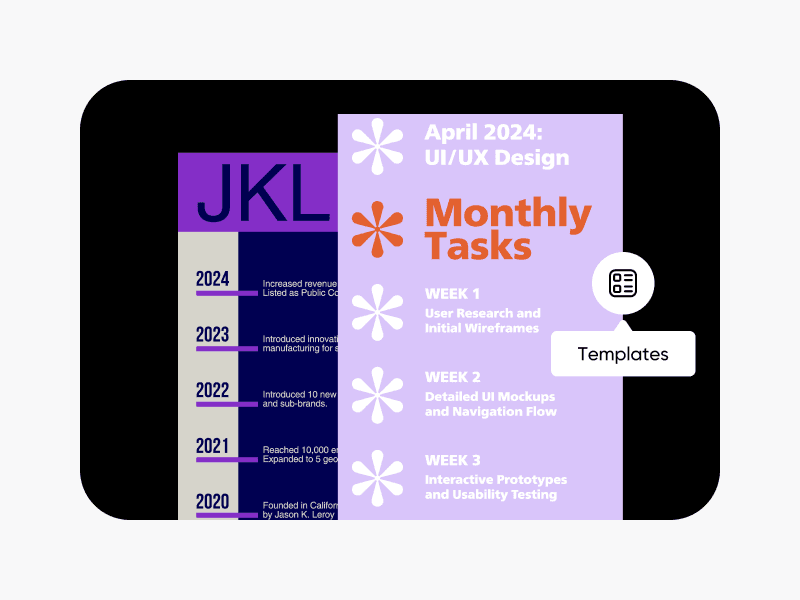
Tijdlijnmaker
Maak eenvoudig aantrekkelijke tijdlijnen met de sjablonenbibliotheek van Picsart.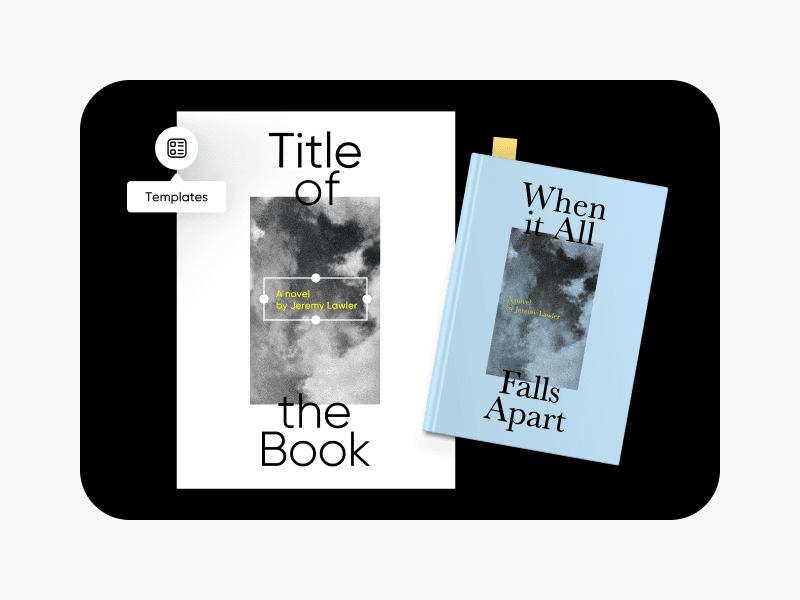
Boekomslagmaker
Geef je boeken een unieke omslag met de boekomslagmaker van Picsart.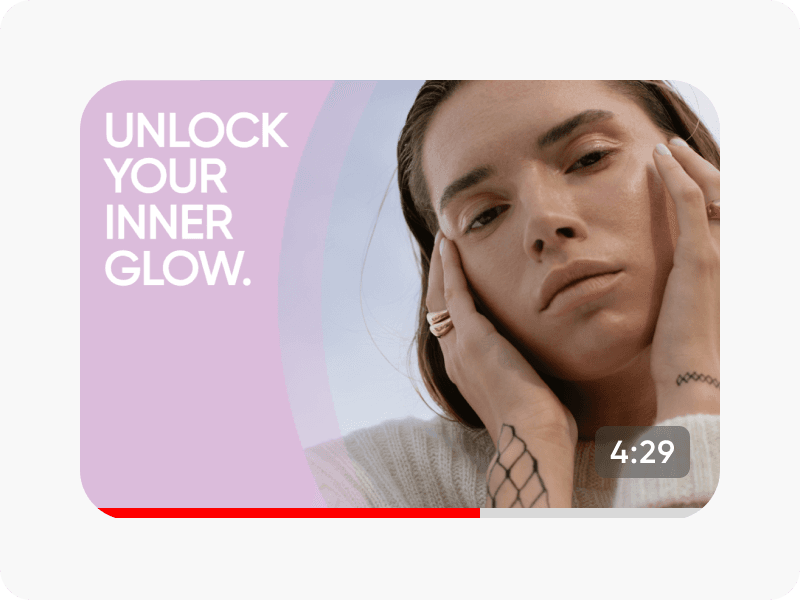
YouTube-thumbnailmaker
Maak opvallende YouTube-thumbnails die meer videoweergaven opleveren.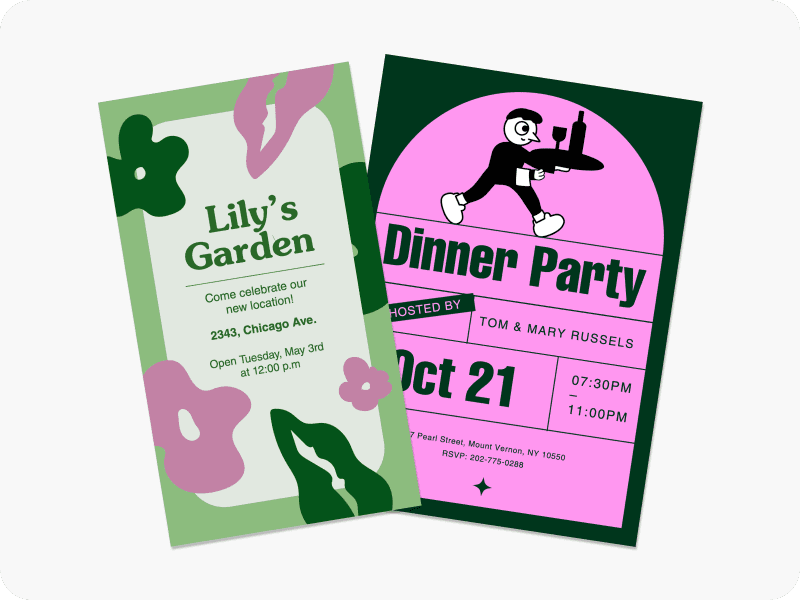
Flyermaker
Ontwerp opvallende promoties voor uitverkoop en evenementen met de flyermaker van Picsart.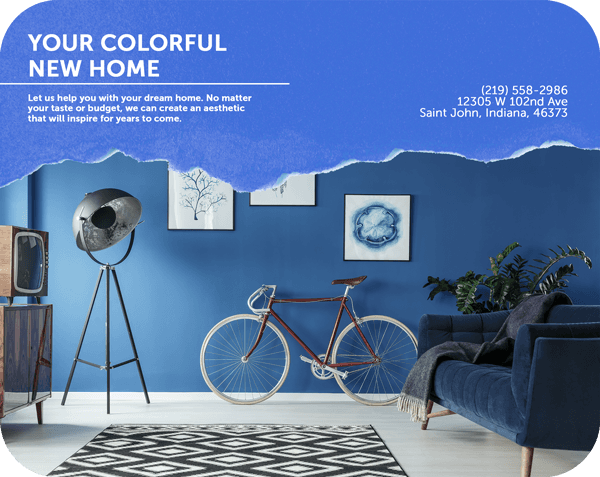
Brochuremaker
Maak zakelijke brochures met je merkidentiteit met de brochuremaker van Picsart.
Ontwerp citaten voor merken, evenementen en content voor sociale media
Pro
Most popularAI tools for everyday creative work.
Ultra
Most powerfulHeavy AI usage for creators & teams.
Enterprise
Custom AI solutions for large organizations.
- Volume discounts on credit rate
- On-demand top-ups