GPT Image Generator کے ساتھ ویژولز تخلیق کریں
اپنے خیالات کو چند سیکنڈ میں نفیس ویژولز میں بدلیں۔ Picsart کا GPT image generator، OpenAI کی image generation کو طاقتور ڈیزائن ٹولز کے ساتھ یکجا کرتا ہے، تاکہ آپ اپنی تصاویر کی شکل، احساس اور استعمال پر زیادہ کنٹرول رکھ سکیں۔

اب تخلیقی AI ایفیکٹس آزمائیں


GPT تصاویر بنانے کا طریقہ
دریافت کریں کہ GPT Image Generator سے کیا کچھ ممکن ہے
GPT image generator مارکیٹنگ مہمات کے لیے خیالات کو بصری شکل دینے، سوشل میڈیا کے لیے پس منظر بنانے، اپنی مرضی کے کارڈ ڈیزائن کرنے یا تصوراتی آرٹ تیار کرنے کے لیے بہترین ہے۔ یہ خاص طور پر اس وقت کارآمد ہے جب آپ کے پاس کوئی اثاثہ نہ ہو، کیونکہ اس کی مدد سے آپ بالکل ابتدا سے GPT تصاویر بنا سکتے ہیں۔ اسے موڈ بورڈز، کہانی سنانے، فوری موک اپس اور بہت کچھ کے لیے منفرد خیالات آزمانے میں استعمال کریں۔
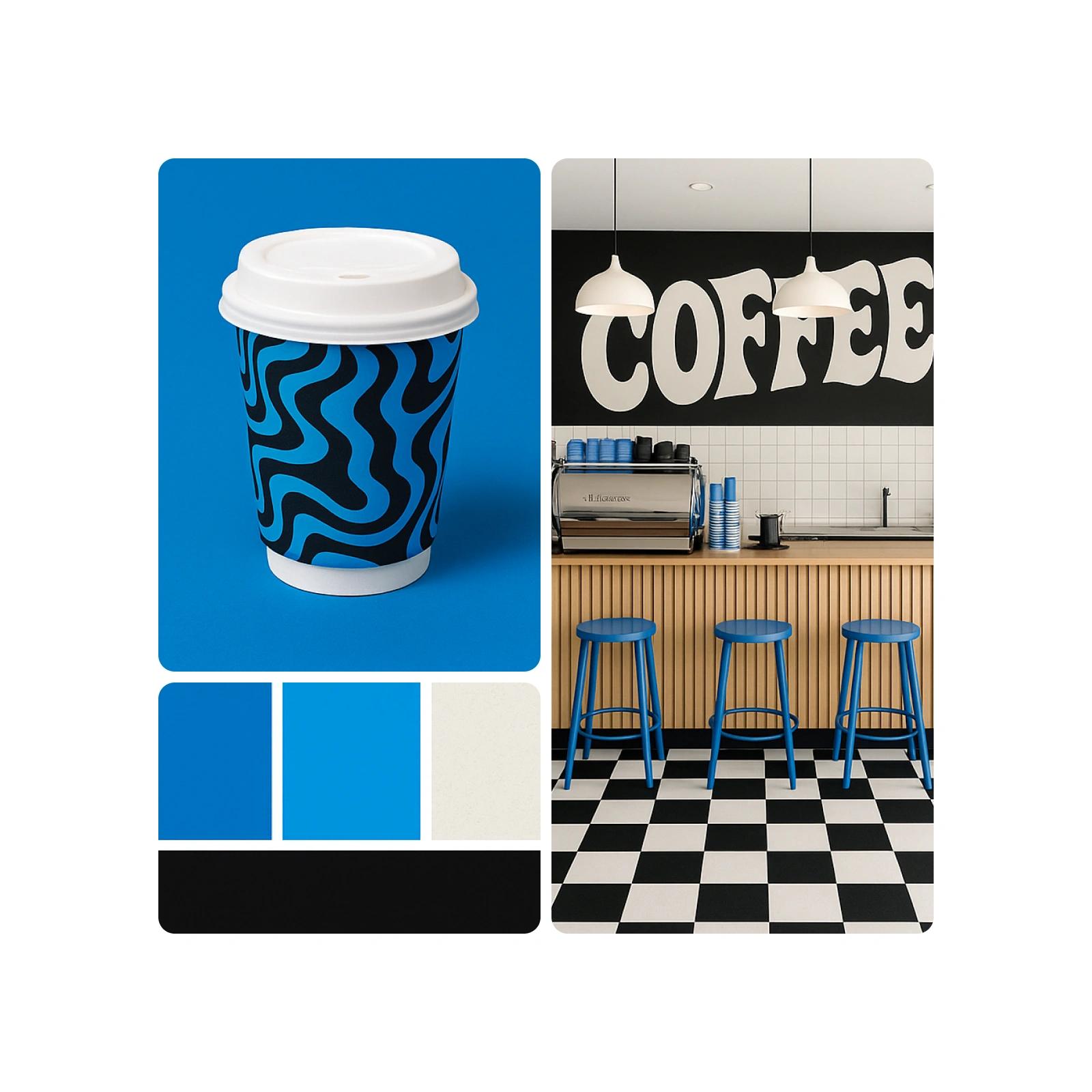
تخلیقی منصوبوں کے لیے GPT Image Generator استعمال کریں
GPT image generator مارکیٹنگ مہمات کے خیالات کو تیزی سے بصری شکل دینے، گریٹنگ کارڈز ڈیزائن کرنے، سوشل میڈیا کے پس منظر بنانے یا تصوراتی آرٹ تیار کرنے کے لیے بہترین ہے۔ یہ خاص طور پر اس وقت کارآمد ہے جب آپ کے پاس کوئی اثاثہ نہ ہو، کیونکہ اس کی مدد سے آپ بالکل ابتدا سے GPT تصاویر بنا سکتے ہیں۔ یہ ٹول بصری کہانی سنانے، نئے خیالات پر غور کرنے، موڈ بورڈز اور موک اپس بنانے میں مدد دیتا ہے—اور روایتی ایڈیٹنگ سے ہٹ کر بالکل اصل مواد تخلیق کرنے کا نیا طریقہ پیش کرتا ہے۔
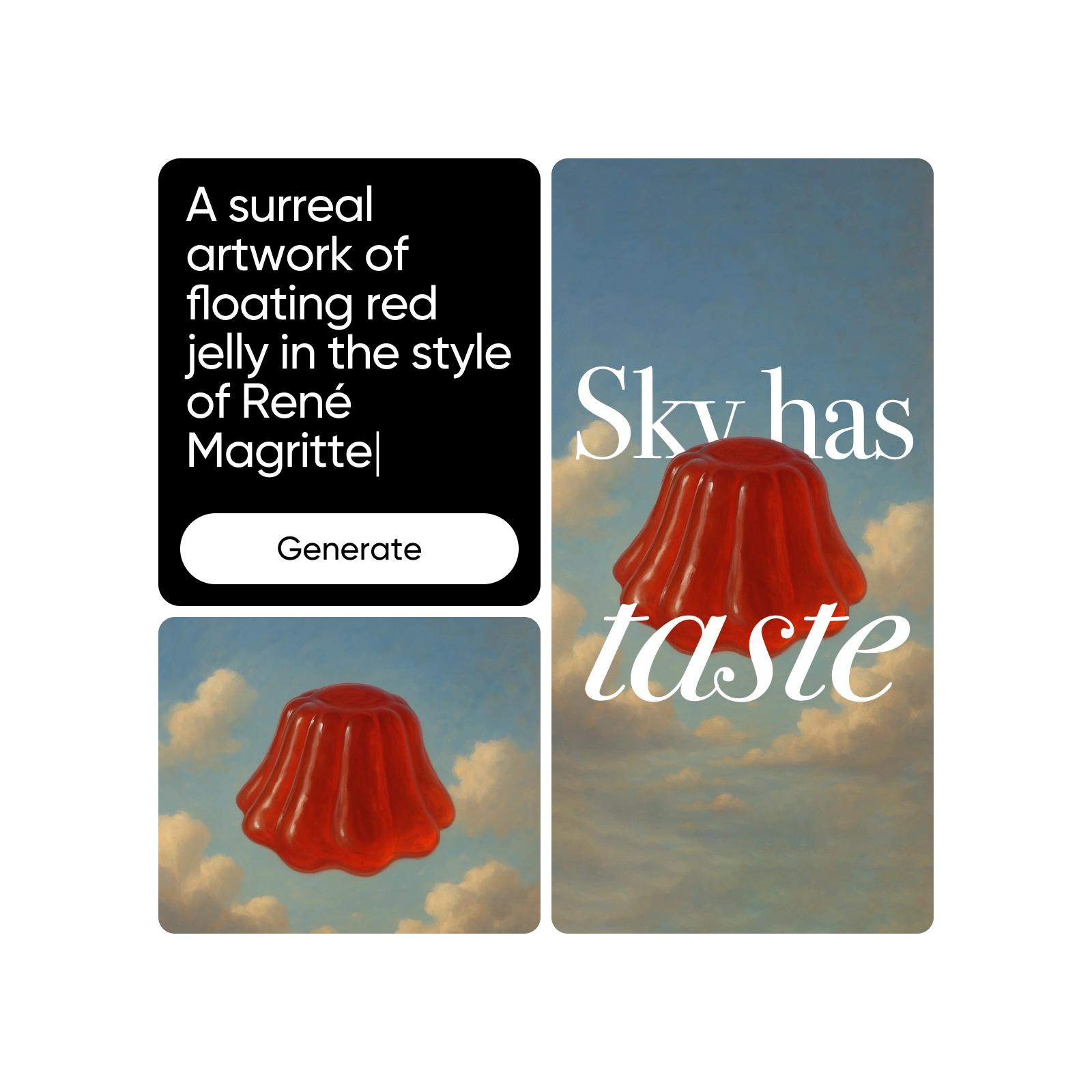
GPT سے تیار کردہ تصاویر کو بہتر بنائیں اور حسبِ ضرورت ڈھالیں
اپنی GPT تصاویر بنانے کے بعد، انہیں بہتر بنانے اور اپنی ضرورت کے مطابق ڈھالنے کے لیے Picsart کے ایڈیٹنگ ٹولز استعمال کریں۔ Remove Objects استعمال کریں، AI Filters لگائیں یا اپنی تخلیقی ضرورت کے مطابق Replace Elements کریں۔ پس منظر صاف کرنے سے لے کر برانڈ کی تفصیلات شامل کرنے تک، آپ آسانی سے GPT تصاویر میں ترمیم اور انہیں کسی بھی استعمال کے لیے بہتر بنا سکتے ہیں۔

AI image generation کو سمجھیں
جانیں کہ پرامپٹس، اسٹائلز اور ماڈل کے انتخاب سے تصاویر کیسے بنتی ہیں۔
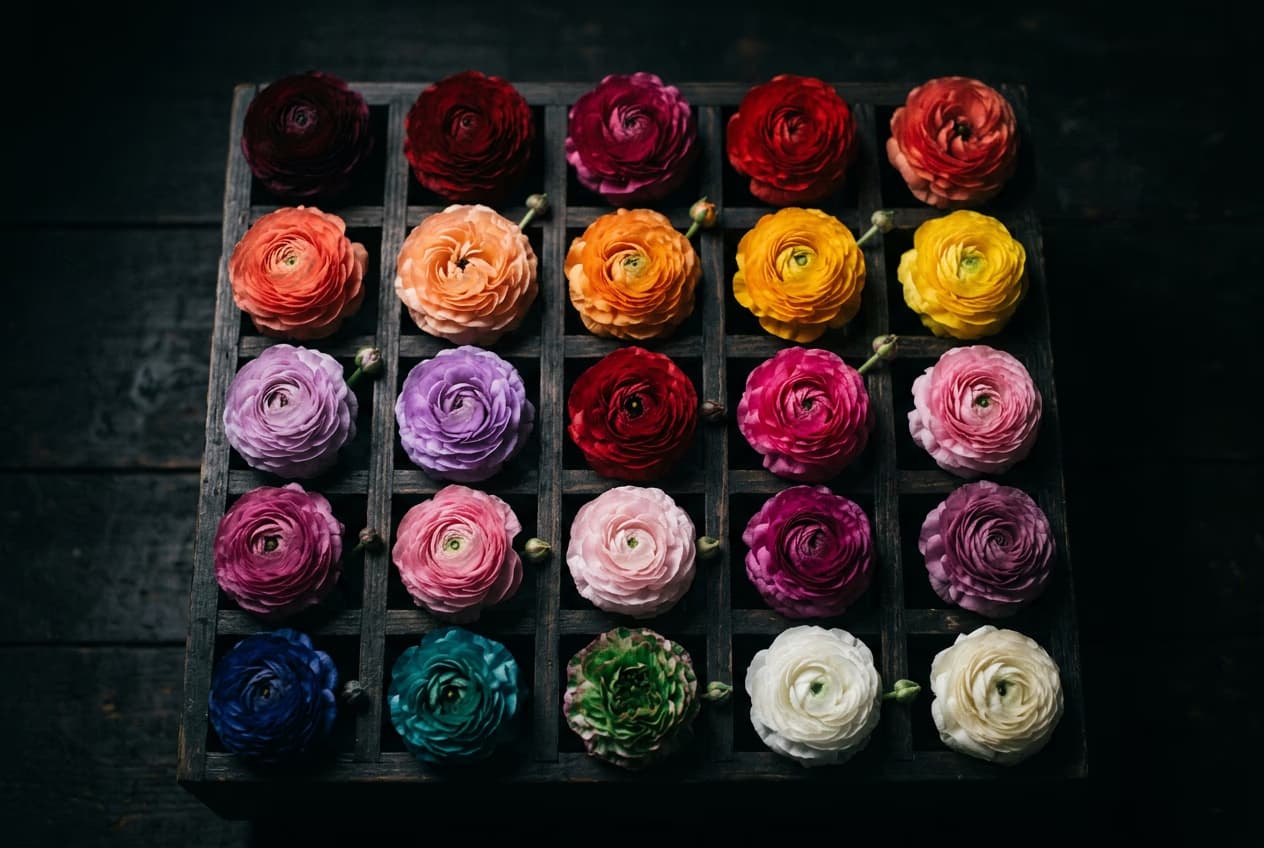
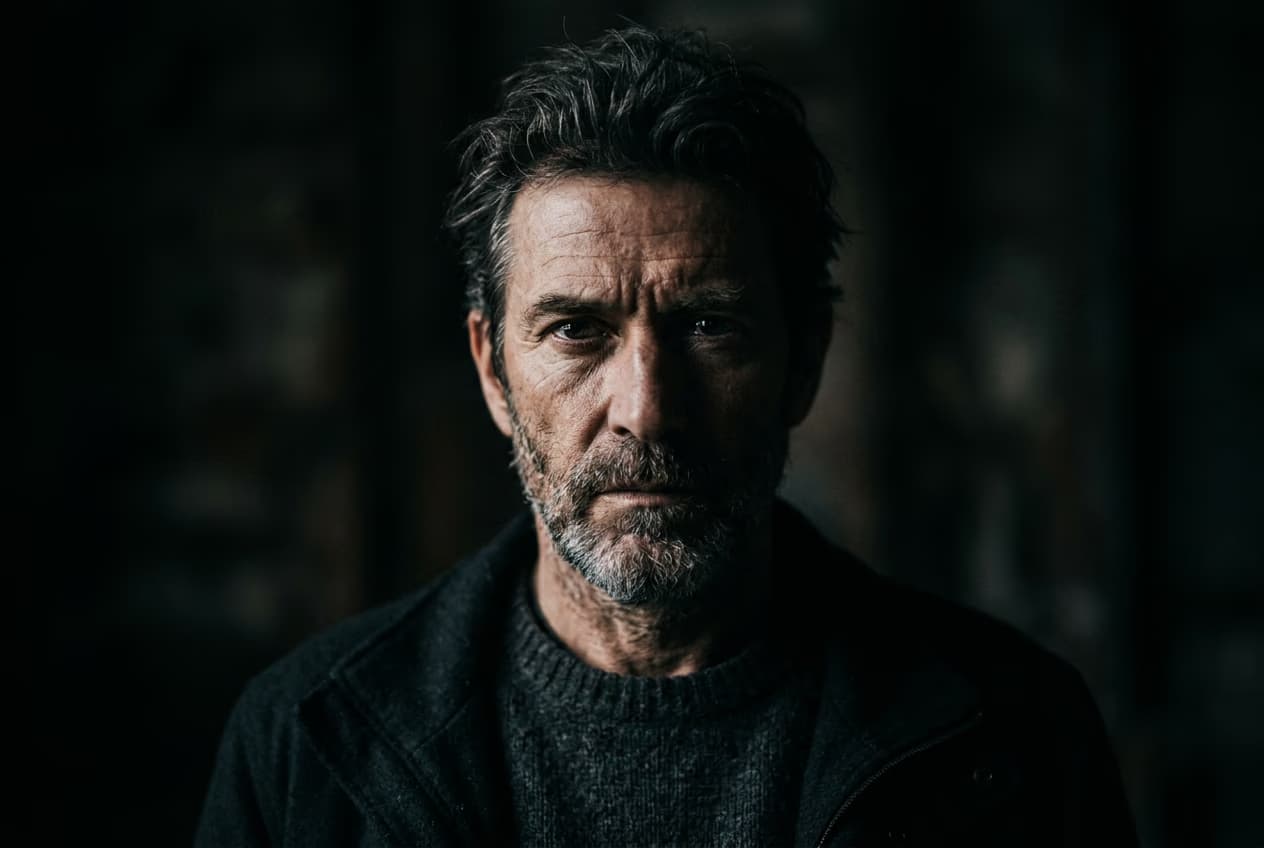
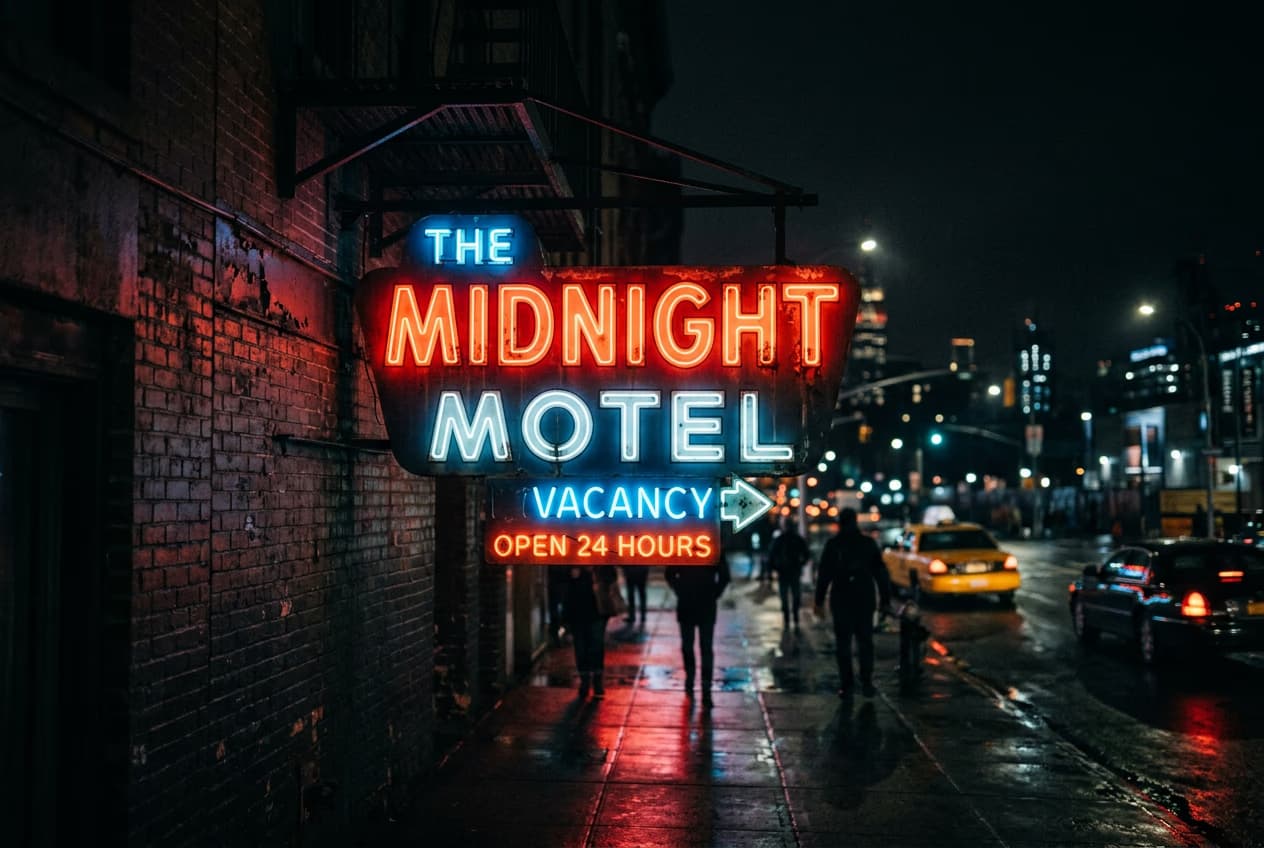
AI image models کے ساتھ GPT image generator بنائیں
image models استعمال کرکے GPT image generator کو نفیس ویژولز، ڈیزائن آئیڈیاز اور ترمیم کے لیے تیار اثاثوں میں بدلیں۔
GPT Image Generator کے بارے میں اکثر پوچھے گئے سوالات
OpenAI کی image generation ٹیکنالوجی جدید زبان اور وژن ماڈلز استعمال کرکے ٹیکسٹ پرامپٹس سے ویژولز بناتی ہے۔ یہ وضاحتی متن کو سمجھتی ہے اور دیے گئے سیاق و سباق کے مطابق حقیقت سے قریب یا تخیلاتی تصاویر تخلیق کرتی ہے۔
تخلیق کاروں کے منصوبوں کے لیے AI تصاویر بنائیں
Pro
Most popularAI tools for everyday creative work.
Ultra
Most powerfulHeavy AI usage for creators & teams.
Enterprise
Custom AI solutions for large organizations.
- Volume discounts on credit rate
- On-demand top-ups


