Rimuovi istantaneamente lo sfondo dalla firma con risultati nitidi
Hai una marea di documenti digitali da firmare? Crea un'immagine del tuo nome scritto a mano e usa il rimuovi sfondo di Picsart per rendere la firma trasparente per un facile utilizzo online.

Perché rimuovere lo sfondo delle firme?
Come rimuovere lo sfondo dalla firma
How to
Carica un'immagine
Usa il pulsante Carica un'immagine per iniziare.
Digitalizza nomi scritti a mano con un rimuovi sfondo firma
Avere una firma elettronica pulita e professionale è essenziale ora che molte attività quotidiane sono diventate digitali. Che tu debba firmare contratti o creare risorse digitali, converti senza sforzo firme mano in immagini scaricabili con il rimuovi sfondo di Picsart per firme. Lo strumento rapido alimentato dall'AI rimuove lo sfondo con alta precisione, rendendo veloce e facile creare una firma trasparente per assegni digitali, PDF e moduli.
- Riutilizza la tua firma autografa
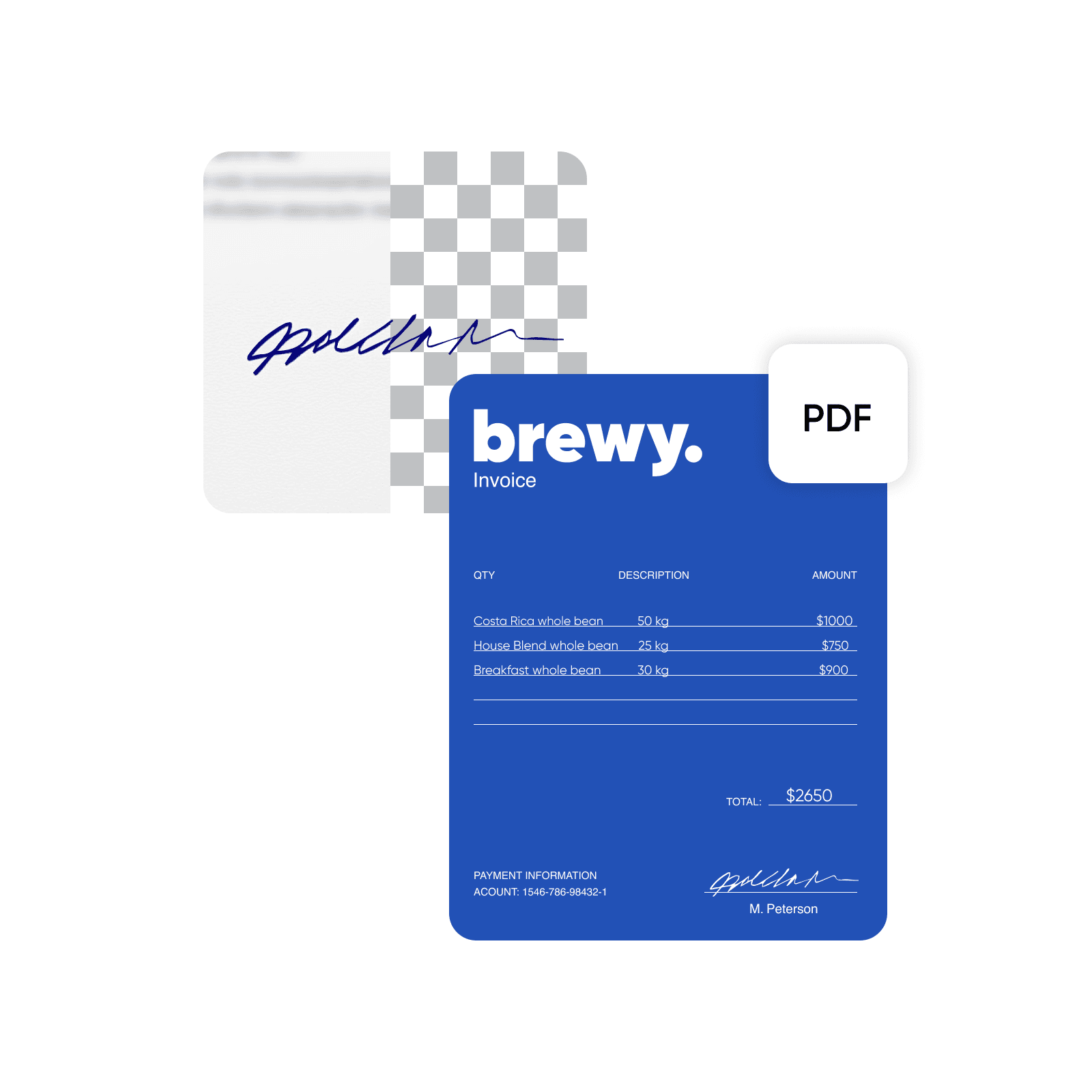
Rimuovi lo sfondo dalla firma senza sacrificare la chiarezza
Non accontentarti di nulla di meno di una firma raffinata ad alta risoluzione. Utilizzando l’AI, l’estrattore di firma di Picsart rileva automaticamente la firma ed elimina lo sfondo, garantendo precisione senza la necessità di modifiche manuali. Lo strumento conserva la qualità visiva del testo per produrre un file PNG contenente la firma nitida e trasparente. Stai lavorando con un'immagine a bassa risoluzione? Usa lo strumento miglioramento immagine per migliorare rapidamente la firma prima dell'estrazione. Picsart offre una varietà di funzionalità per personalizzare ulteriormente la tua firma, come ridimensionamento, e molti formati di download per una maggiore convenienza.
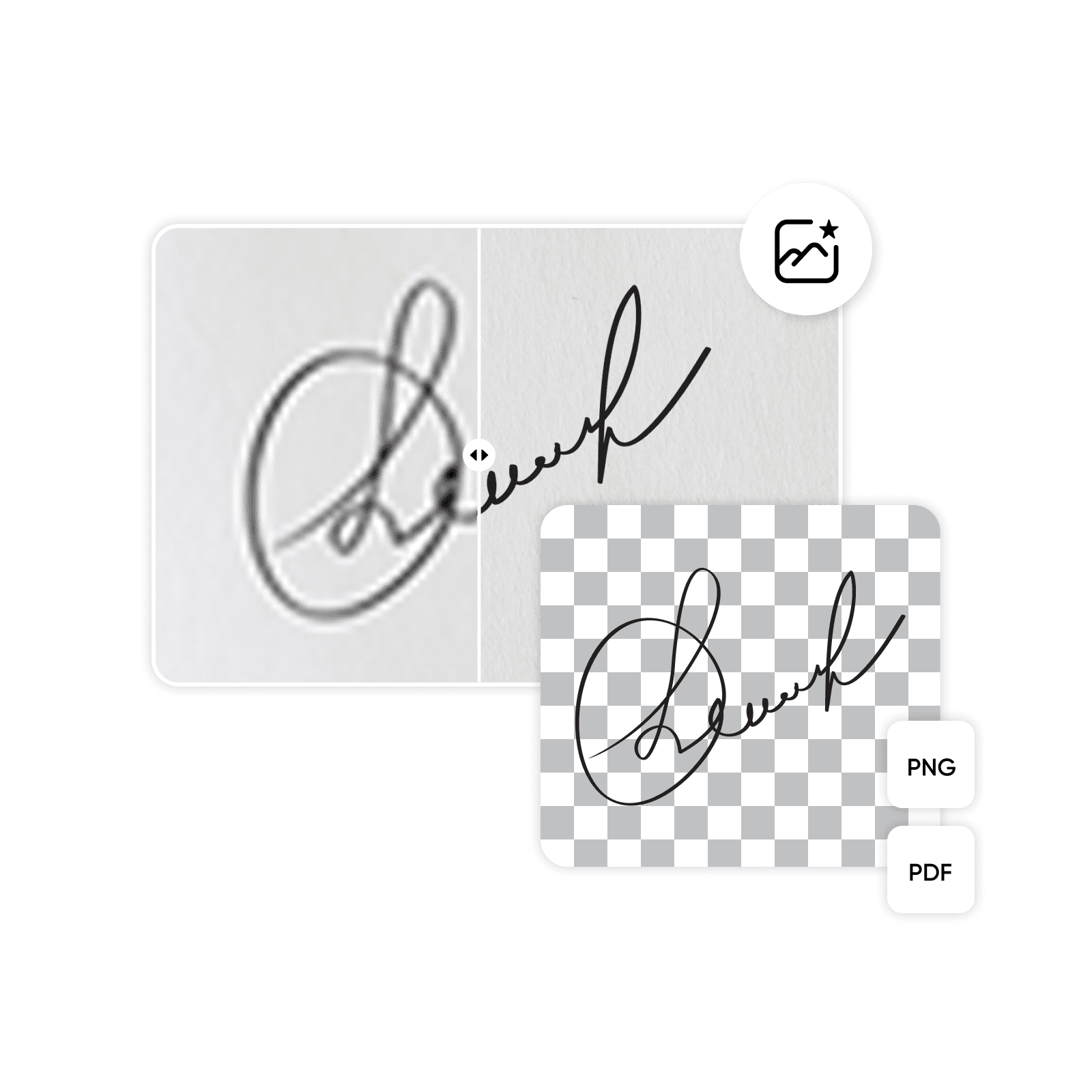
Estrai la firma dall'immagine per creare un asset di marca personalizzato
Semplifica le operazioni aziendali e mostra un'estetica di brand unica con la firma PNG perfetta. Crea una firma trasparente per sottoscrivere rapidamente contratti, preventivi e altri documenti ufficiali, garantendo un business fluido. I professionisti del marketing e del design possono mostrare convenientemente il testo disegnato a mano come logo o marchio in email, newsletter, etichette di prodotto e altri materiali di brand per un tocco autentico. Applica il creatore di sfondo trasparente di Picsart, e puoi utilizzare il PNG della firma su più piattaforme con facilità.
- Inserisci la firma in un nuovo layout

Progetta una firma PNG che attiri l'attenzione sui documenti personali
Sfrutta l’rimuovi sfondo firma di Picsart per progetti personali come inviti, certificati e cartoline. L’editor di foto di Picsart elimina le difficoltà del design di immagini e documenti, permettendoti di rimuovere oggetti dalle foto, affilare immagini o persino cambiare lo sfondo. Combina la tua firma digitale con altri elementi personalizzati per creare PNGs trasparenti uniche, e presentale in post di blog, banner e arte digitale. Le possibilità creative sono illimitate.
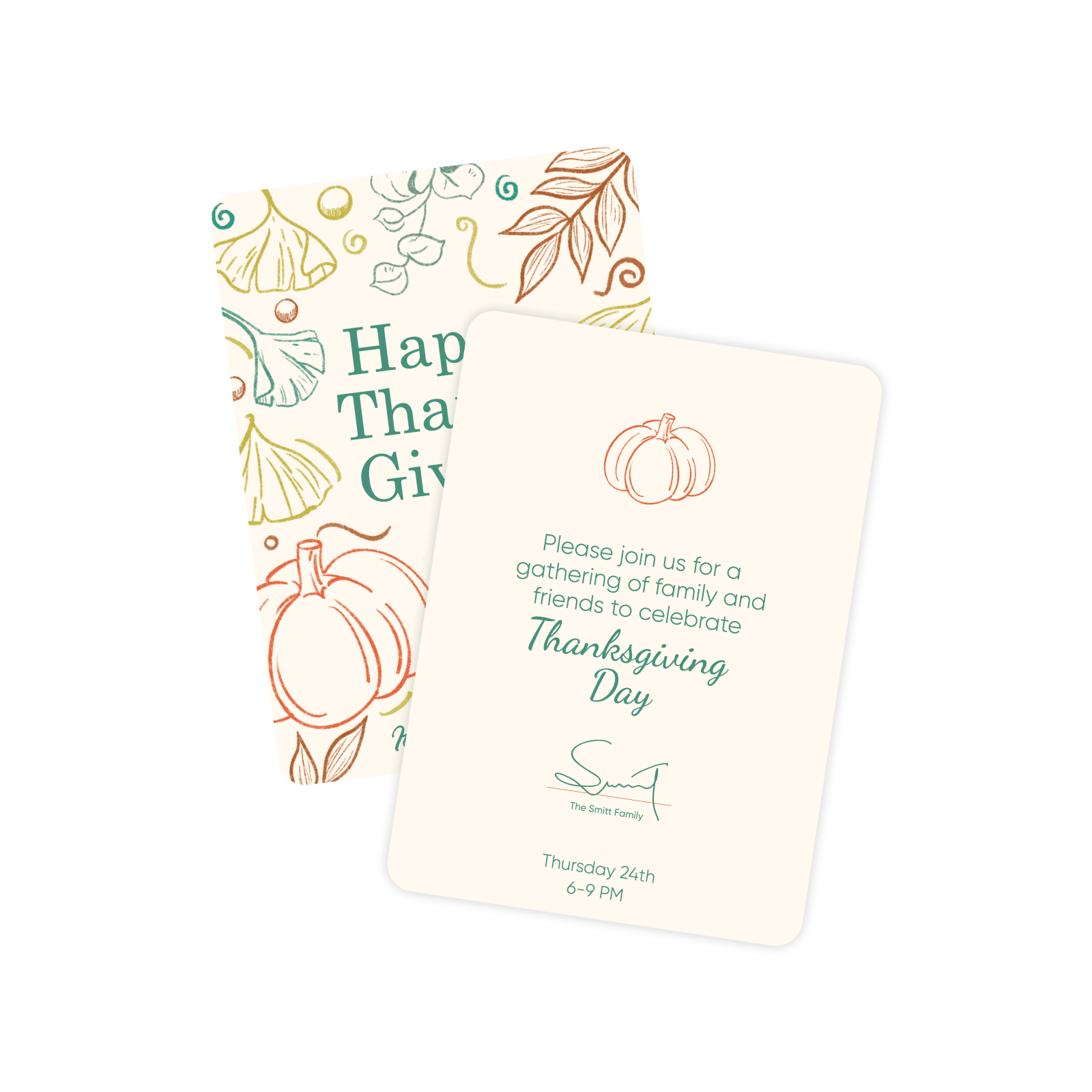
Il metodo migliore e più veloce per rimuovere lo sfondo dalla firma
Prova l’estrattore di firme e genera una firma digitale pronta per il web senza intoppi. I risultati sono immediati, e l’editor di foto fornisce tutti gli strumenti necessari per perfezionare la tua firma o inserirla in altri documenti. Se hai bisogno di più idee per utilizzare le immagini trasparenti, esplora altri strumenti di immagine di Picsart per migliorare il tuo prossimo progetto.
Comprendere le modifiche dello sfondo
Scopri come rimuovere, sostituire e ripulire gli sfondi.





Crea firma con modelli di immagine AI
Usa modelli di immagine per trasformare sfondi, scatti di prodotti e ritagli in visualizzazioni rifinite.
FAQ rimuovi sfondo firma
Rimuovere il testo di sfondo da una firma è facile. Basta caricare un'immagine e lasciare che lo strumento alimentato dall'AI generi risultati istantanei. Anteprima dei risultati e salva l'immagine con uno sfondo trasparente o continua a modificarla come desideri.
Pulisci le immagini per contenuti creativi raffinati
Pro
Most popularAI tools for everyday creative work.
Ultra
Most powerfulHeavy AI usage for creators & teams.
Altri strumenti da amare


