מחולל תמונת פרופיל בחינם: עצבו PFPs מרשימות אונליין
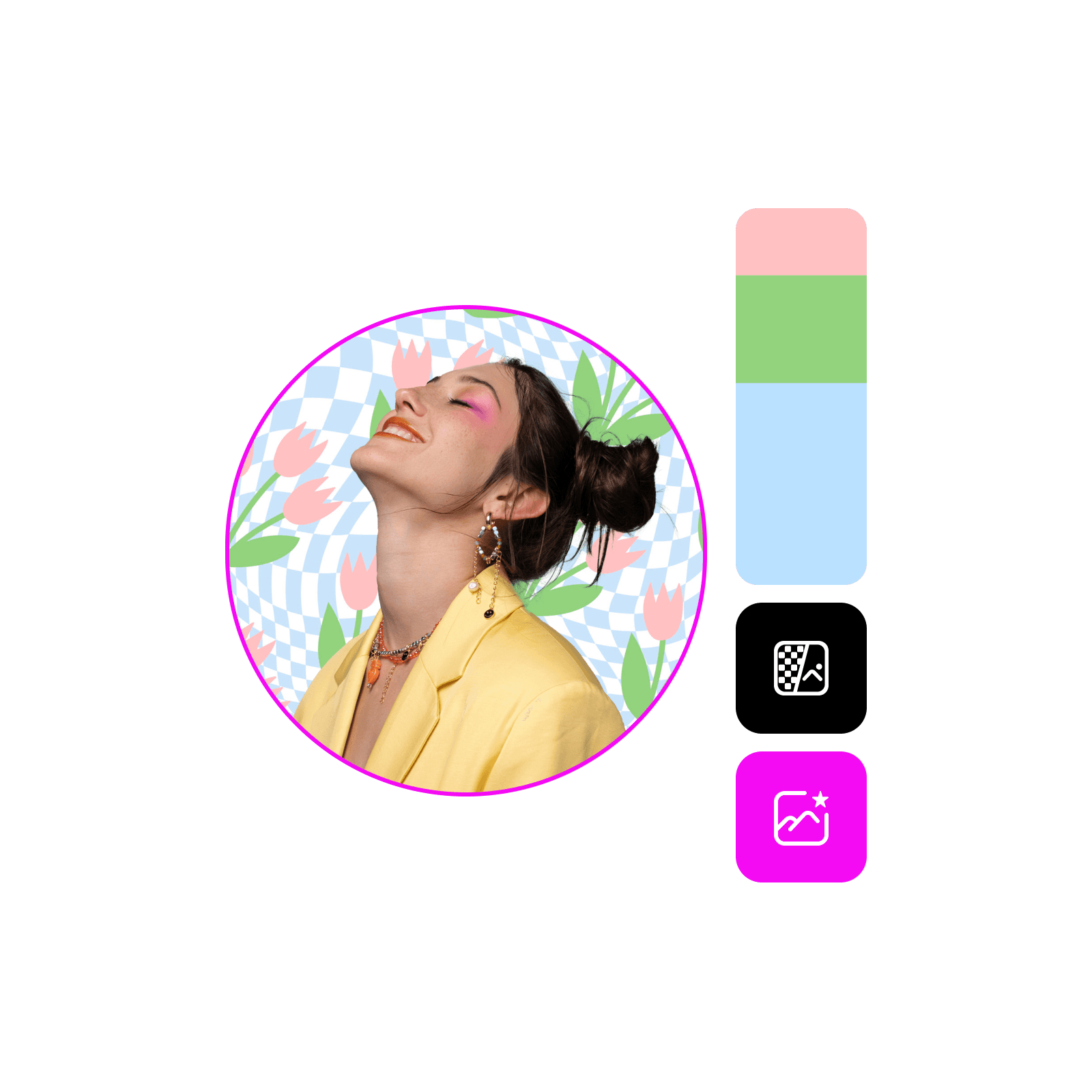
עצבו תמונת פרופיל מדהימה בדקות עם מחולל תמונת הפרופיל המקוון והחינמי של Picsart. אין צורך בכישורי עיצוב! בין אם אתם מעצבים לפרופיל אישי או לערוץ ציבורי, תוכלו ליצור בקלות תמונת פרופיל שמותירה רושם ראשוני מצוין בכל פלטפורמה. בחרו גודל מוכן, דפדפו בתבניות המוכנות, והוסיפו אפקטים ופילטרים כיפיים כדי שהאווטאר שלכם יבלוט.
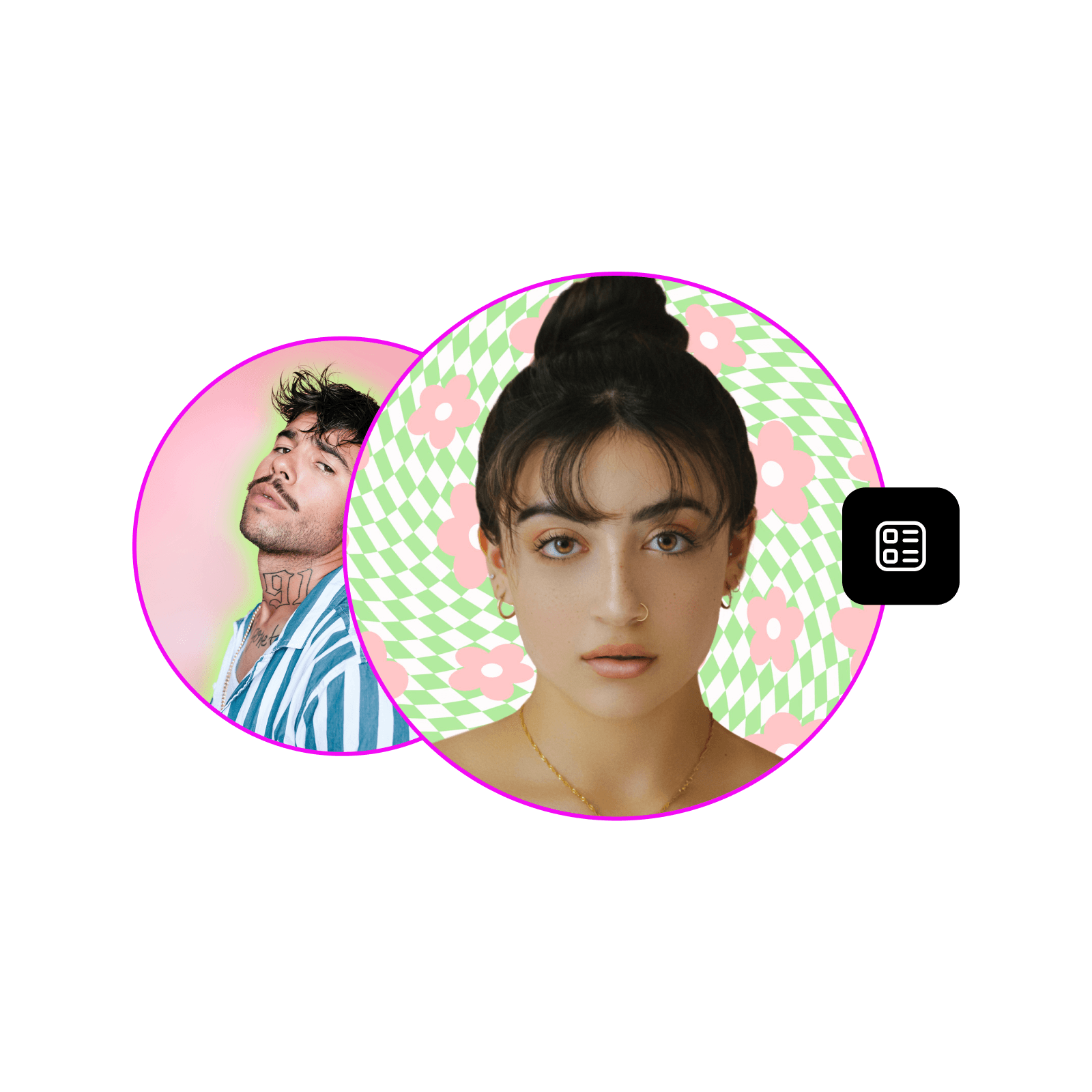
עצבו תמונות פרופיל עם מודלי תמונה של AI
השתמשו במודלי תמונה כדי להפוך תמונות פרופיל לוויזואלים מלוטשים, רעיונות עיצוב ונכסים מוכנים לעריכה.

קל לשימוש
צרו את תמונת הפרופיל המושלמת עם סט כלים מקוון נוח ואינטואיטיבי.


התאמה אישית מלאה
כוונו כל היבט של המראה הסופי של תמונת הפרופיל בעזרת כלים לריטוש ולעיצוב.
איך ליצור תמונת פרופיל מותאמת אישית
פתחו את Picsart
השתמשו בכפתור Start creating כדי לפתוח את העורך של Picsart.
בחרו תבנית
התאימו את התבנית
התאימו את התמונה
הורדה
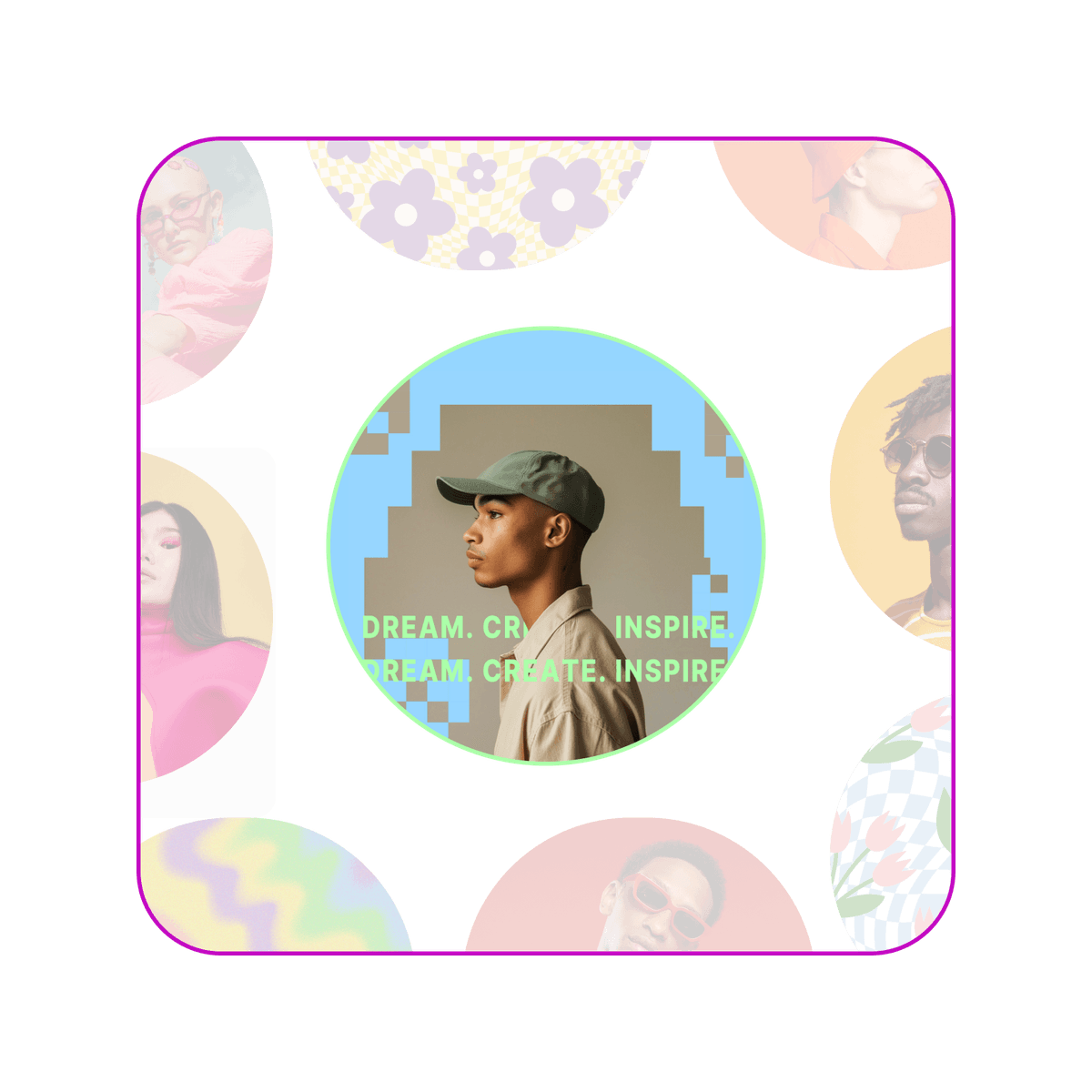
עצבו תמונת פרופיל מותאמת אישית בקלות
הפכו תמונות רגילות לתמונות פרופיל עם גימור ברמת סטודיו. השתמשו במגוון הכלים המקיף של Picsart לא רק כדי לשפר את התמונה, אלא גם לשדרג את הרקע, להוסיף אלמנטים ויזואליים כמו מדבקות וצורות, ולהוסיף טקסט במגוון פונטים.
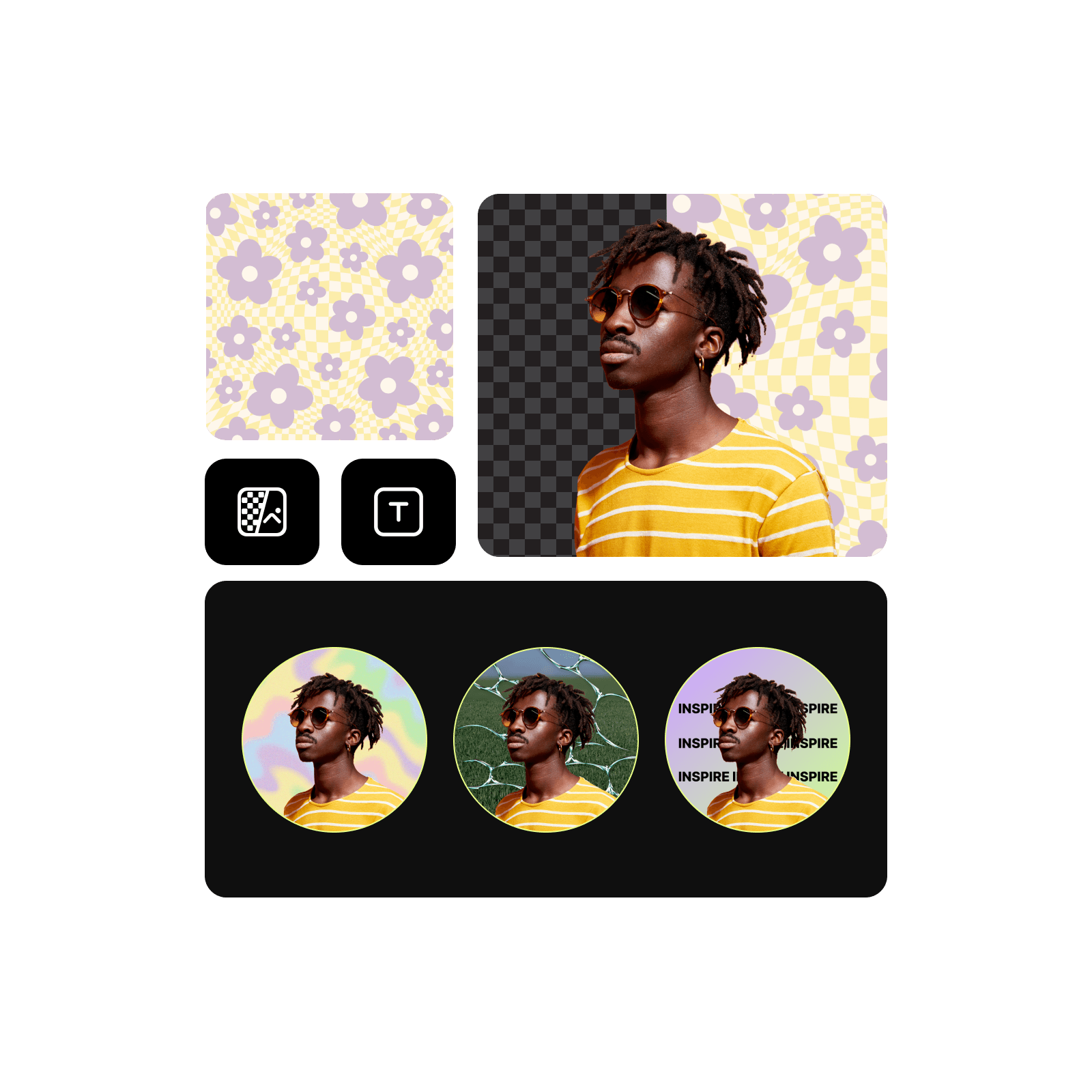
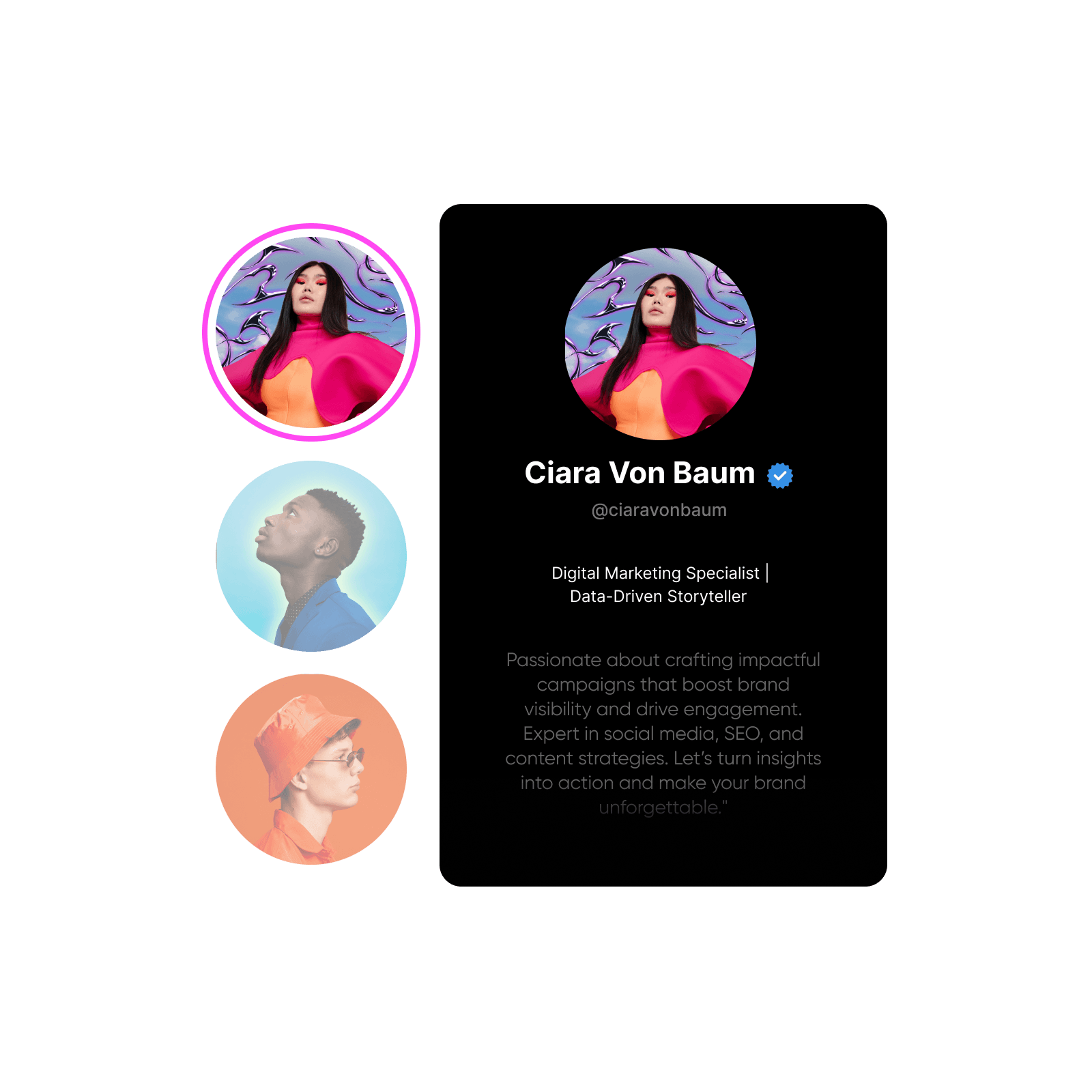
שדרגו את הנוכחות המקוונת שלכם עם תבניות לתמונת פרופיל
דלגו על קנבס ריק וצללו לאוסף אוצר של תבניות מקצועיות לתמונת פרופיל. מעיצובים מבוססי דיוקן ועד אמנות ערוץ מופשטת, מצאו סגנון שמשקף באופן מושלם את מטרות התוכן שלכם ומבליט את הפרופיל.
שפרו את תמונת הפרופיל עם כלי עריכה עוצמתיים
קבלו שליטה מלאה על המראה הסופי של תמונות הפרופיל בעזרת Picsart. חיתוך ו שינוי גודל עם קביעות גודל לרשתות חברתיות. התאימו בהירות, ניגודיות ורוויה למראה מושלם. החילו פילטרים אופנתיים כדי להוסיף נופך אישי, או השתמשו ב כלי הסרת פגמים לגימור מלוטש. החילו טשטוש רקע עדין כדי למשוך את מרכז תשומת הלב לעצמכם ועוד הרבה יותר.
עצבו עם מחולל תמונת פרופיל הכול-באחד
כל מה שצריך כדי לעצב ולהתאים אישית תמונות פרופיל בקלות.
קל לשימוש
כלים אינטואיטיביים שמפשטים את העיצוב, גם בלי ניסיון.
תבניות מוכנות
תבניות מקצועיות שיזניקו את תהליך העיצוב.
התאמה אישית מלאה
שליטה מלאה במראה הסופי של תמונות הפרופיל.
מדבקות ומסגרות
הוסיפו אופי לתמונת הפרופיל עם מדבקות ומסגרות.
ייצוא בפורמטים נפוצים
הורידו ב-JPG, PNG ועוד.
הורדה ברזולוציה גבוהה
ייצאו את תמונת הפרופיל שלכם ברזולוציה חדה וצלולה.
קביעות גודל לרשתות חברתיות
קבלו את המידה הנכונה בקלות באמצעות גדלים מוגדרים מראש לפלטפורמות שונות.
למדו את יסודות יצירת אווטאר
למדו איך ליצור דיוקנאות ותמונות פרופיל חדות וברורות יותר.



שאלות נפוצות על מחולל תמונת פרופיל
גדלי תמונות פרופיל מיטביים משתנים בין פלטפורמות. הנה הגדלים לפלטפורמות פופולריות:
- Facebook: 180 x 180 (מוצג כ-170 x 170 בשולחנות עבודה, 128 x 128 בסמארטפונים)
- Instagram: 320 x 320
- Twitter/X: 400 x 400
- LinkedIn: 400 x 400 (מומלץ 800 x 800 לאיכות טובה יותר)
- Pinterest: 165 x 165 (מומלץ 800 x 800)
- TikTok: 200 x 200
- YouTube: 800 x 800 (מוצג כ-98 x 98)
- Snapchat: 320 x 320
- WhatsApp: 192 x 192 (מוצג כ-140 x 140)
- Reddit: 256 x 256
- Tumblr: 128 x 128 (מומלץ 512 x 512 לרזולוציה גבוהה יותר)
תוכלו למצוא קביעות גודל לרוב הפלטפורמות הללו ב-Picsart כדי לשנות גודל בלי מאמץ.
כן! העלו בקלות את התמונות או הגרפיקות שלכם כדי להתאים אישית את תמונת הפרופיל.
Picsart מציעה מערך כלים ותוכן חינמיים שיעזרו לכם להתחיל בחינם. כדי לפתוח את כל מערך כלי ה-AI והתבניות הפרימיום תצטרכו מנוי.
Picsart Featured In





עצבו תמונות פרופיל למותגים, לפרופילים ולקמפיינים
Pro
Most popularAI tools for everyday creative work.
Ultra
Most powerfulHeavy AI usage for creators & teams.