Image
Video
Library
Creators
Solutions
Community
MCP & CLI
Pricing
  1. Home
  2. Створювач профільних зображень

Безплатний конструктор зображень профілю: Створюйте привабливі аватари в Інтернеті

Розробіть чудове зображення профілю за кілька хвилин за допомогою безплатного конструктора зображень профілю Picsart. Навичок дизайну не потрібно! Незалежно від того, чи ви створюєте дизайн для особистого профілю чи публічного каналу, легко створюйте зображення профілю, яке справляє гарне перше враження на будь-якій платформі. Виберіть розмір за шаблоном, переглядайте готові шаблони та додавайте цікаві ефекти та фільтри, щоб ваш аватар виділявся.
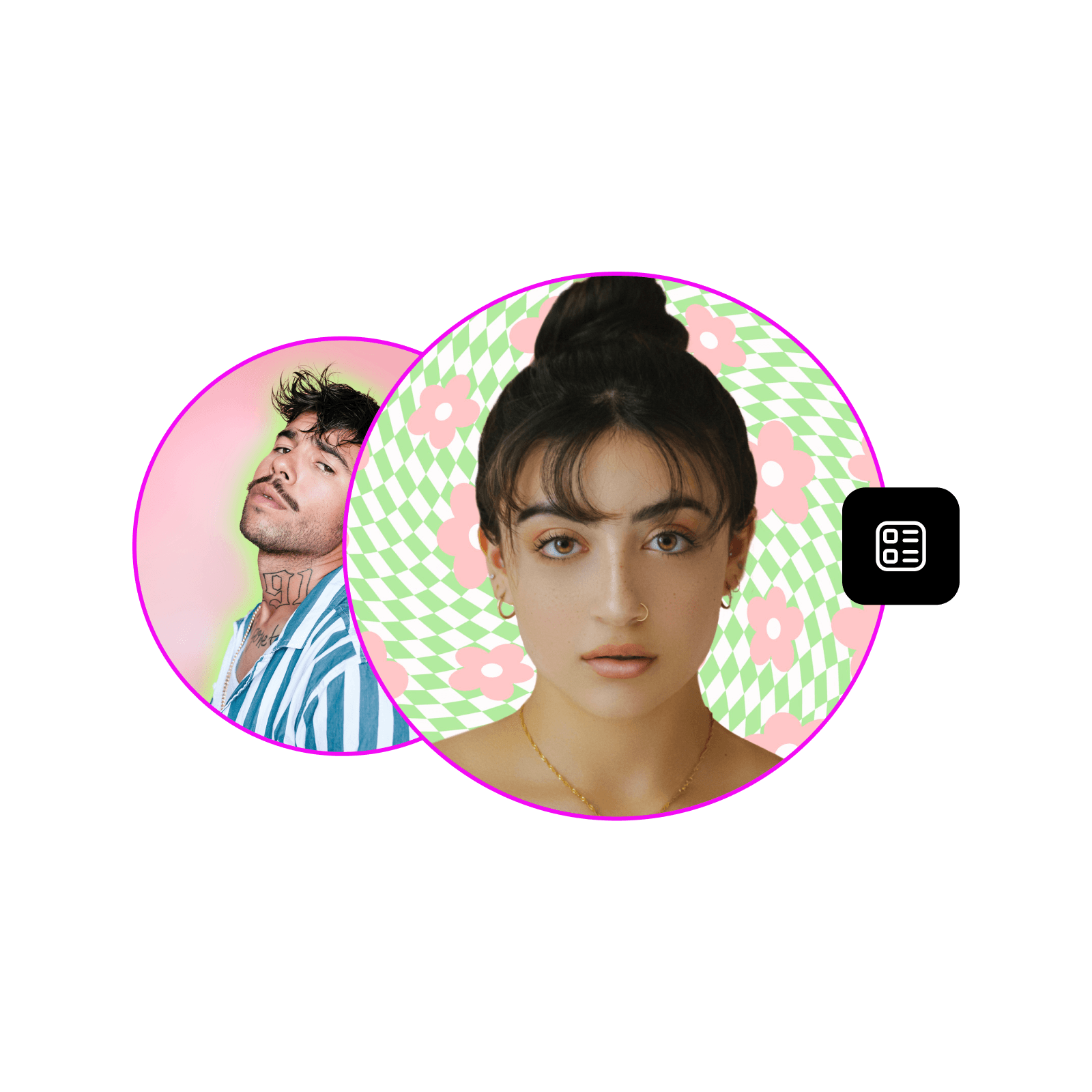
Створюйте власні зображення профілю в Інтернеті.
Легко використовувати

Легко використовувати

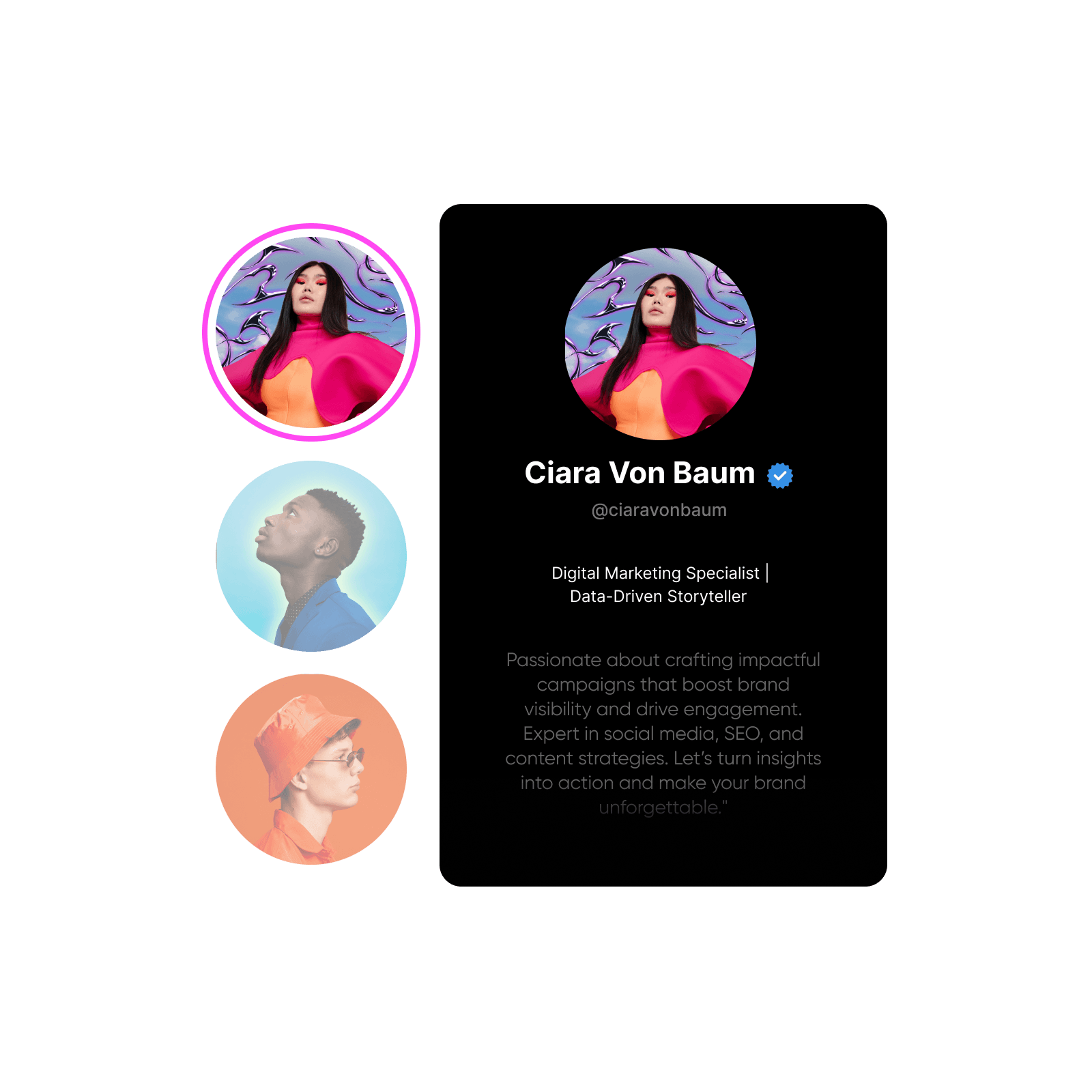
Створіть ідеальне зображення профілю з зручним та інтуїтивним набором інструментів в Інтернеті.

Шаблони зображень профілю

Шаблони зображень профілю

Виберіть із бібліотеки заздалегідь розроблених шаблонів та легко налаштуйте під себе.

Повне налаштування

Повне налаштування

Налаштуйте кожен аспект остаточного вигляду вашого зображення профілю за допомогою інструментів ретушування та дизайну.

Як створити власне зображення профілю

1

Відкрити Picsart

Натисніть кнопку Почати створювати, щоб відкрити редактор Picsart.

2

Виберіть шаблон

3

Налаштуйте шаблон

4

Налаштуйте фото

5

Завантажити

як розробити зображення профілю

Легко розробіть власне зображення профілю

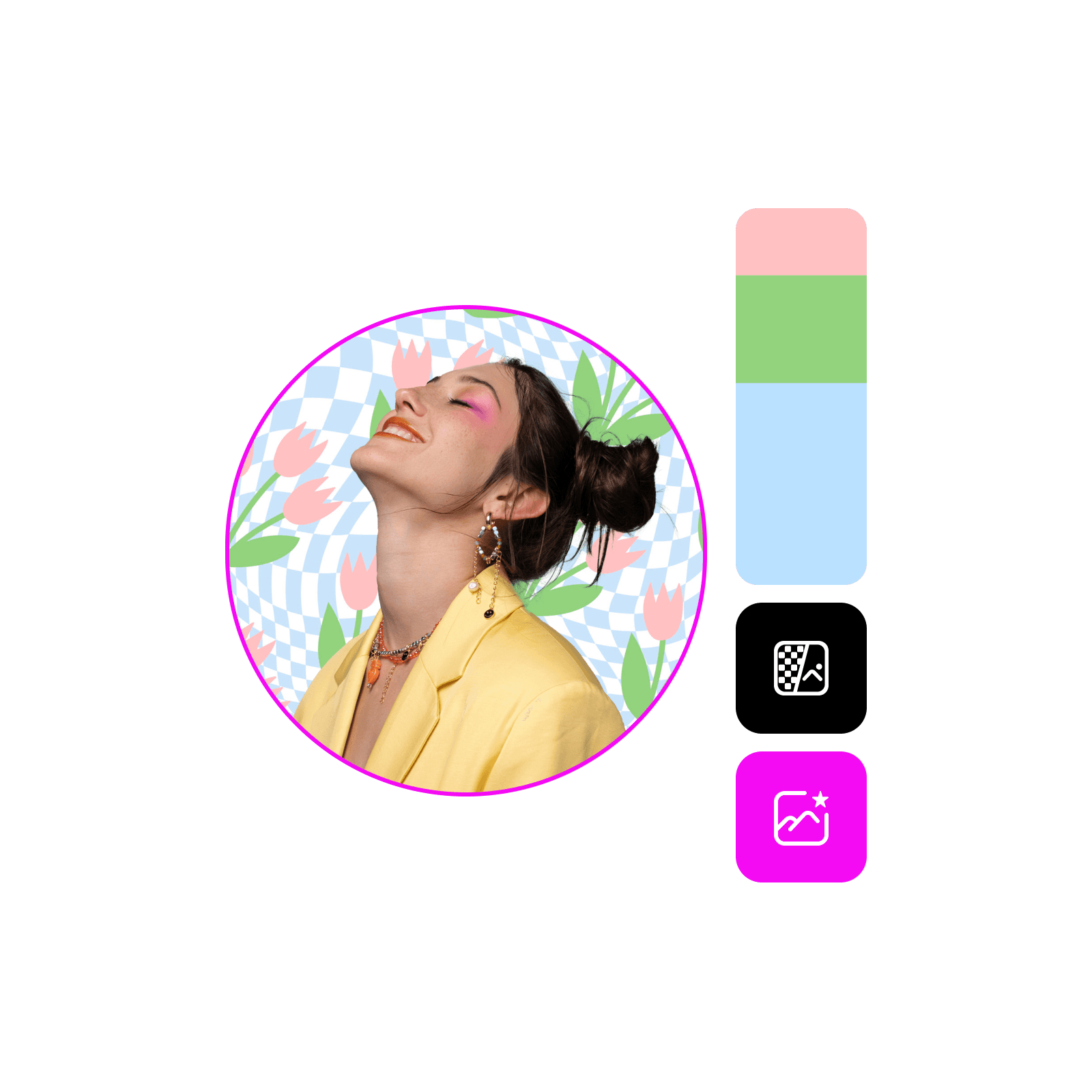
Перетворіть свої звичайні фото на зображення профілю зі студійною якістю. Використовуйте всебічний набір інструментів Picsart, щоб не лише довести фото до ідеалу, а й оновити фон, додати візуальні елементи, як наклейки та фігури, а також вставити текст з різноманітними шрифтами.
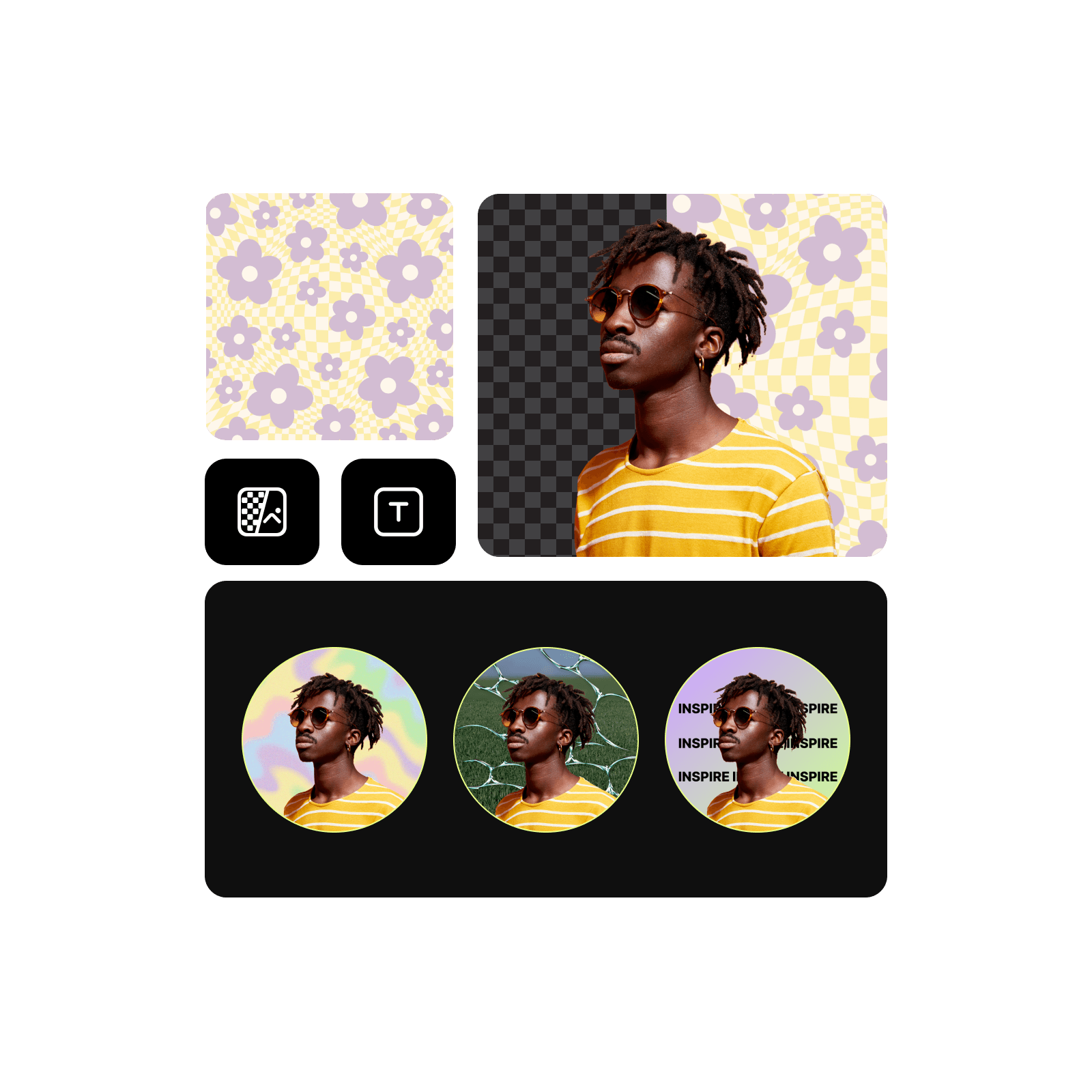
Легко створюйте відполіровані зображення профілю

Підніміть рівень своєї онлайн-присутності за допомогою шаблонів зображень профілю

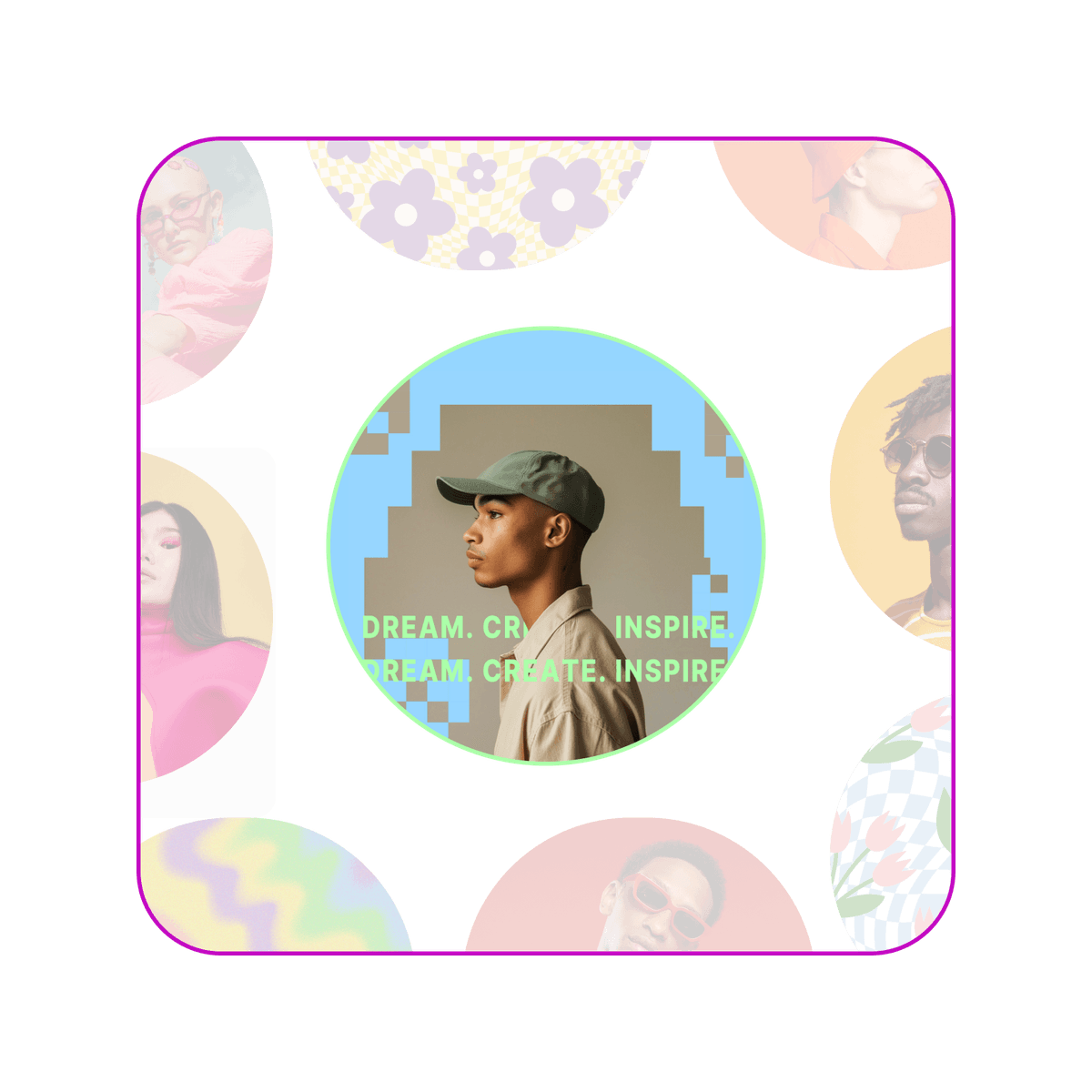
Пропустіть пустий холст і занурьтесь у ретельно підібрану колекцію професійних шаблонів зображень профілю. Від портретних дизайнів до абстрактного мистецтва каналів, знайдіть стиль, який ідеально відображає цілі вашого контенту та вирізняє ваш профіль.

Професійні шаблони зображень профілю

Відполюйте своє зображення профілю потужними інструментами редагування

Отримайте повний контроль над остаточним виглядом своїх зображень профілю за допомогою Picsart. Обрізайте та змінюйте розмір із предустановками розмірів соціальних мереж. Налаштуйте яскравість, контраст та насиченість для бездоганного виду. Застосуйте стильні фільтри, щоб додати чіткості особистості, або використовуйте інструменти видалення дефектів для відполірованого виду. Застосуйте тонке розмиття фону, щоб зробити себе центром уваги та багато іншого.

Інструменти редагування зображень профілю з обрізанням, фільтрами та видаленням дефектів для відполірованого вигляду

Розробіть за допомогою універсального конструктора зображень профілю

Все необхідне для дизайну та налаштування зображень профілю без зусиль.

Легко використовувати

Інтуїтивні інструменти роблять дизайн простим, навіть без досвіду.

Заздалегідь розроблені шаблони

Професійні шаблони для початку вашого процесу дизайну.

Повне налаштування

Повний контроль над остаточним виглядом своїх зображень профілю.

Наклейки та рамки

Додайте особистості своєму зображенню профілю за допомогою наклейок та рамок.

Експорт у популярні формати

Завантажуйте у форматах JPG, PNG та інші.

Завантаження в високій якості

Експортуйте своє зображення профілю в чіткій та яскравій якості.

Предустановки розмірів соціальних мереж

Отримайте правильні розміри легко, використовуючи заздалегідь визначені розміри для різних платформ.


Поширені запитання про конструктор зображення профілю

Оптимальні розміри зображень профілю варіюються від платформи до платформи, ось розміри для популярних платформ:


  • Facebook: 180 x 180 (відображається як 170 x 170 на комп'ютерах, 128 x 128 на смартфонах)
  • Instagram: 320 x 320
  • Twitter/X: 400 x 400
  • LinkedIn: 400 x 400 (рекомендується 800 x 800 для кращої якості)
  • Pinterest: 165 x 165 (рекомендується 800 x 800)
  • TikTok: 200 x 200
  • YouTube: 800 x 800 (відображається як 98 x 98)
  • Snapchat: 320 x 320
  • WhatsApp: 192 x 192 (відображається як 140 x 140)
  • Reddit: 256 x 256
  • Tumblr: 128 x 128 (рекомендується 512 x 512 для вищої якості)


Ви можете знайти предустановки розмірів для більшості цих платформ у Picsart для легкого змінення розмірів. 

Так! Легко завантажуйте свої власні фото або графіку, щоб персоналізувати своє зображення профілю.

Picsart пропонує набір безплатних інструментів та вмісту для початку. Щоб розблокувати повний набір інструментів AI та премієм-шаблонів, вам потрібна передплата.


Picsart Featured In

  • Mashable
  • Esquire
  • People
  • Forbes
  • TechCrunch
  • BuzzFeed

Розробляйте зображення профілю для брендів, профілів та кампаній

Почніть із шаблону.
Розробляйте обкладинки профілю YouTubeСтворюйте шпалериРобіть мініатюри YouTubeПроектуйте листівкиСтворюйте постериРобіть запрошенняПроектуйте дизайнСтворюйте PDF-файлиРобіть документиРозробляйте банери YouTube

Use Picsart anywhere

Install the app, or bring Picsart into the AI workspaces your team already uses.

Use Picsart with

  • ChatGPT / Codex
  • Claude
  • Terminal
  • Cursor
  • OpenClaw
  • Hermes

Download the app

Download on the App StoreGET IT ON Google PlayGet it from Microsoft

Follow Picsart

Pinterest
AICPA SOC

Create

  • AI Image Generator
  • AI Video Generator
  • AI Playground
  • Flow
  • AI Photo Editor
  • AI Video Editor
  • AI Agents
  • Content Library
  • AI Models

Creators

  • Earn with Picsart
  • Earn campaigns
  • Clipping
  • For Brands
  • Video Studio
  • Tutorials
  • Challenges

Connect

  • ChatGPT / Codex
  • MCP setup
  • Command line
  • Developers
  • Google Drive

Business

  • Pricing
  • Enterprise
  • Industries
  • Quicktools

Company

  • Support
  • Careers
  • About us
  • Blog
  • Press Center
Terms of UsePrivacy PolicyDo Not SellInternet-Based AdvertisingCommunity GuidelinesDMCASecurity PolicyAccessibility
© 2026 PicsArt, Inc.

Вивчіть основи створення аватарів

Дізнайтеся, як створювати чіткіші портрети та зображення профілю.

Переглянути всі навчальні матеріали

Розробіть зображення профілю за допомогою моделей AI

Використовуйте моделі зображень для перетворення зображень профілю на відполіровані візуалізації, ідеї дизайну та готові до редагування ресурси.

GPT Image 2New
Next-gen GPT image model with arbitrary output dimensions and multi-image input.Reference inputImage generationSee model
Nano Banana 2New
Fast 4K generation with accurate text and search-grounded accuracy.4KFast generationImage generationSee model
Nano Banana ProNew
Top-tier 4K images with precise multilingual text rendering.4KPro qualityImage generationSee model
Flux 2 FlexNew
Adaptable generation across varied visual styles at 2K.Image generationSee model
Seedream 5.0 Lite
Speedy 3K output with negative prompt and dual-image input support.Reference inputFast generationImage generationSee model
Kling 3.0 Image
Cinematic visuals with up to 4K resolution and 10 reference images.Reference input4KCinematicSee model
Kling O1 Image
O1-architecture image generation with multi-reference support.Reference inputCinematicImage generationSee model
Kling V2 New Image
Latest V2 image generation with optional restyle via image reference.Reference inputCinematicImage generationSee model
Hunyuan V3
Infographic-friendly generation with readable text and cfg control.Image generationSee model
Luma UNI-1
Luma UNI-1 — agentic image generation and editing with up to 9 reference images.Reference inputCinematicImage generationSee model
Luma UNI-1 Max
Luma UNI-1 Max — higher-quality UNI-1 variant with the same multi-reference editing controls.Reference inputCinematicImage generationSee model
Seedream 5.0 Pro
Top-tier single-image generation with up to 10 reference images and 2K detail.Reference inputPro qualityImage generationSee model
GPT Image 2New
Next-gen GPT image model with arbitrary output dimensions and multi-image input.Reference inputImage generationSee model
Nano Banana 2New
Fast 4K generation with accurate text and search-grounded accuracy.4KFast generationImage generationSee model
Nano Banana ProNew
Top-tier 4K images with precise multilingual text rendering.4KPro qualityImage generationSee model
Flux 2 FlexNew
Adaptable generation across varied visual styles at 2K.Image generationSee model
Seedream 5.0 Lite
Speedy 3K output with negative prompt and dual-image input support.Reference inputFast generationImage generationSee model
Kling 3.0 Image
Cinematic visuals with up to 4K resolution and 10 reference images.Reference input4KCinematicSee model
Kling O1 Image
O1-architecture image generation with multi-reference support.Reference inputCinematicImage generationSee model
Kling V2 New Image
Latest V2 image generation with optional restyle via image reference.Reference inputCinematicImage generationSee model
Hunyuan V3
Infographic-friendly generation with readable text and cfg control.Image generationSee model
Luma UNI-1
Luma UNI-1 — agentic image generation and editing with up to 9 reference images.Reference inputCinematicImage generationSee model
Luma UNI-1 Max
Luma UNI-1 Max — higher-quality UNI-1 variant with the same multi-reference editing controls.Reference inputCinematicImage generationSee model
Seedream 5.0 Pro
Top-tier single-image generation with up to 10 reference images and 2K detail.Reference inputPro qualityImage generationSee model
GPT Image 2New
Next-gen GPT image model with arbitrary output dimensions and multi-image input.Reference inputImage generationSee model
Nano Banana 2New
Fast 4K generation with accurate text and search-grounded accuracy.4KFast generationImage generationSee model
Nano Banana ProNew
Top-tier 4K images with precise multilingual text rendering.4KPro qualityImage generationSee model
Flux 2 FlexNew
Adaptable generation across varied visual styles at 2K.Image generationSee model
Seedream 5.0 Lite
Speedy 3K output with negative prompt and dual-image input support.Reference inputFast generationImage generationSee model
Kling 3.0 Image
Cinematic visuals with up to 4K resolution and 10 reference images.Reference input4KCinematicSee model
Kling O1 Image
O1-architecture image generation with multi-reference support.Reference inputCinematicImage generationSee model
Kling V2 New Image
Latest V2 image generation with optional restyle via image reference.Reference inputCinematicImage generationSee model
Hunyuan V3
Infographic-friendly generation with readable text and cfg control.Image generationSee model
Luma UNI-1
Luma UNI-1 — agentic image generation and editing with up to 9 reference images.Reference inputCinematicImage generationSee model
Luma UNI-1 Max
Luma UNI-1 Max — higher-quality UNI-1 variant with the same multi-reference editing controls.Reference inputCinematicImage generationSee model
Seedream 5.0 Pro
Top-tier single-image generation with up to 10 reference images and 2K detail.Reference inputPro qualityImage generationSee model
GPT Image 2New
Next-gen GPT image model with arbitrary output dimensions and multi-image input.Reference inputImage generationSee model
Nano Banana 2New
Fast 4K generation with accurate text and search-grounded accuracy.4KFast generationImage generationSee model
Nano Banana ProNew
Top-tier 4K images with precise multilingual text rendering.4KPro qualityImage generationSee model
Flux 2 FlexNew
Adaptable generation across varied visual styles at 2K.Image generationSee model
Seedream 5.0 Lite
Speedy 3K output with negative prompt and dual-image input support.Reference inputFast generationImage generationSee model
Kling 3.0 Image
Cinematic visuals with up to 4K resolution and 10 reference images.Reference input4KCinematicSee model
Kling O1 Image
O1-architecture image generation with multi-reference support.Reference inputCinematicImage generationSee model
Kling V2 New Image
Latest V2 image generation with optional restyle via image reference.Reference inputCinematicImage generationSee model
Hunyuan V3
Infographic-friendly generation with readable text and cfg control.Image generationSee model
Luma UNI-1
Luma UNI-1 — agentic image generation and editing with up to 9 reference images.Reference inputCinematicImage generationSee model
Luma UNI-1 Max
Luma UNI-1 Max — higher-quality UNI-1 variant with the same multi-reference editing controls.Reference inputCinematicImage generationSee model
Seedream 5.0 Pro
Top-tier single-image generation with up to 10 reference images and 2K detail.Reference inputPro qualityImage generationSee model
GPT Image 2New
Next-gen GPT image model with arbitrary output dimensions and multi-image input.Reference inputImage generationSee model
Nano Banana 2New
Fast 4K generation with accurate text and search-grounded accuracy.4KFast generationImage generationSee model
Nano Banana ProNew
Top-tier 4K images with precise multilingual text rendering.4KPro qualityImage generationSee model
Flux 2 FlexNew
Adaptable generation across varied visual styles at 2K.Image generationSee model
Seedream 5.0 Lite
Speedy 3K output with negative prompt and dual-image input support.Reference inputFast generationImage generationSee model
Kling 3.0 Image
Cinematic visuals with up to 4K resolution and 10 reference images.Reference input4KCinematicSee model
Kling O1 Image
O1-architecture image generation with multi-reference support.Reference inputCinematicImage generationSee model
Kling V2 New Image
Latest V2 image generation with optional restyle via image reference.Reference inputCinematicImage generationSee model
Hunyuan V3
Infographic-friendly generation with readable text and cfg control.Image generationSee model
Luma UNI-1
Luma UNI-1 — agentic image generation and editing with up to 9 reference images.Reference inputCinematicImage generationSee model
Luma UNI-1 Max
Luma UNI-1 Max — higher-quality UNI-1 variant with the same multi-reference editing controls.Reference inputCinematicImage generationSee model
Seedream 5.0 Pro
Top-tier single-image generation with up to 10 reference images and 2K detail.Reference inputPro qualityImage generationSee model
GPT Image 2New
Next-gen GPT image model with arbitrary output dimensions and multi-image input.Reference inputImage generationSee model
Nano Banana 2New
Fast 4K generation with accurate text and search-grounded accuracy.4KFast generationImage generationSee model
Nano Banana ProNew
Top-tier 4K images with precise multilingual text rendering.4KPro qualityImage generationSee model
Flux 2 FlexNew
Adaptable generation across varied visual styles at 2K.Image generationSee model
Seedream 5.0 Lite
Speedy 3K output with negative prompt and dual-image input support.Reference inputFast generationImage generationSee model
Kling 3.0 Image
Cinematic visuals with up to 4K resolution and 10 reference images.Reference input4KCinematicSee model
Kling O1 Image
O1-architecture image generation with multi-reference support.Reference inputCinematicImage generationSee model
Kling V2 New Image
Latest V2 image generation with optional restyle via image reference.Reference inputCinematicImage generationSee model
Hunyuan V3
Infographic-friendly generation with readable text and cfg control.Image generationSee model
Luma UNI-1
Luma UNI-1 — agentic image generation and editing with up to 9 reference images.Reference inputCinematicImage generationSee model
Luma UNI-1 Max
Luma UNI-1 Max — higher-quality UNI-1 variant with the same multi-reference editing controls.Reference inputCinematicImage generationSee model
Seedream 5.0 Pro
Top-tier single-image generation with up to 10 reference images and 2K detail.Reference inputPro qualityImage generationSee model