Describe the image you want to make...
Design anything from flyers to social posts
Start with the format you need, build a layout around your message, and finish it for print or your next post.
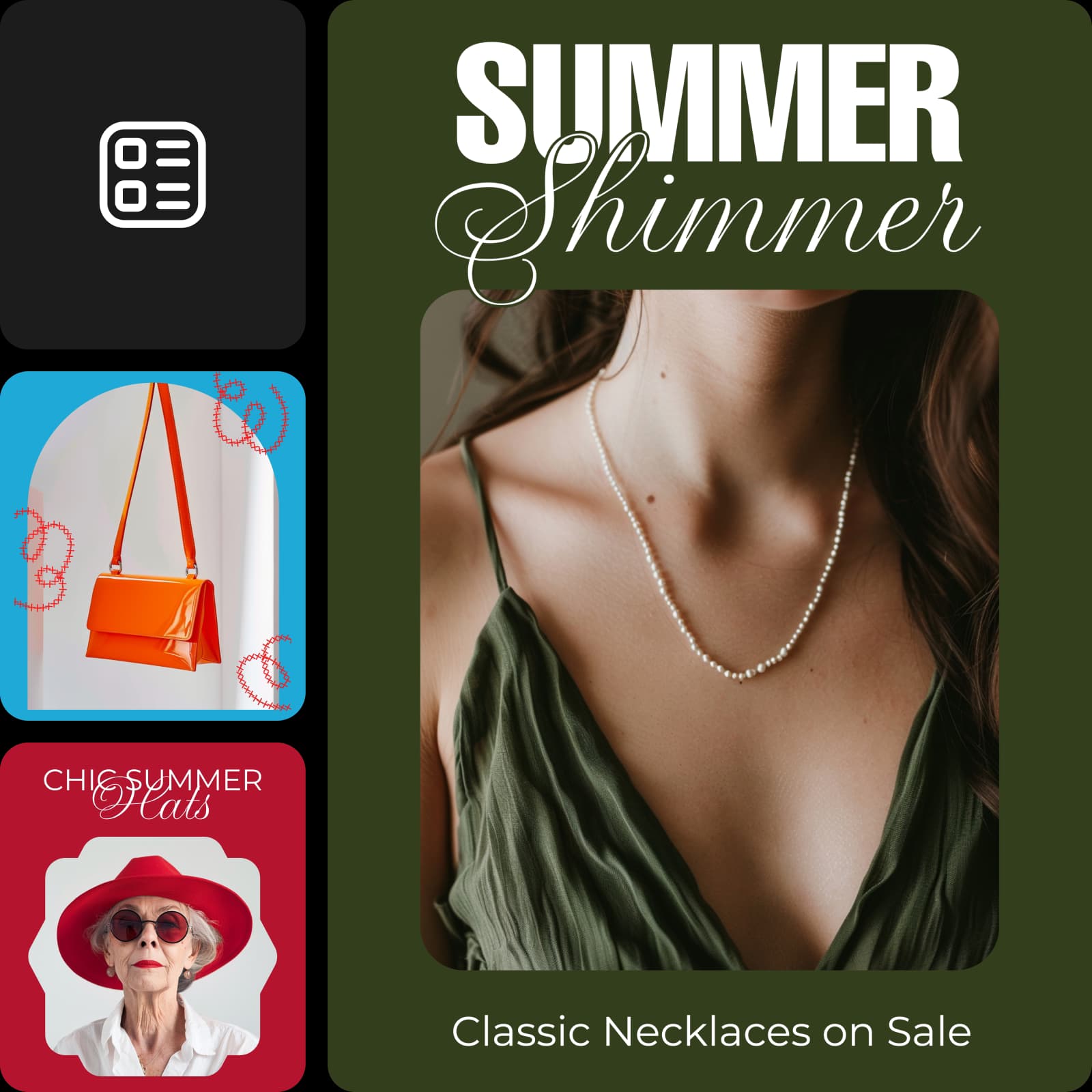
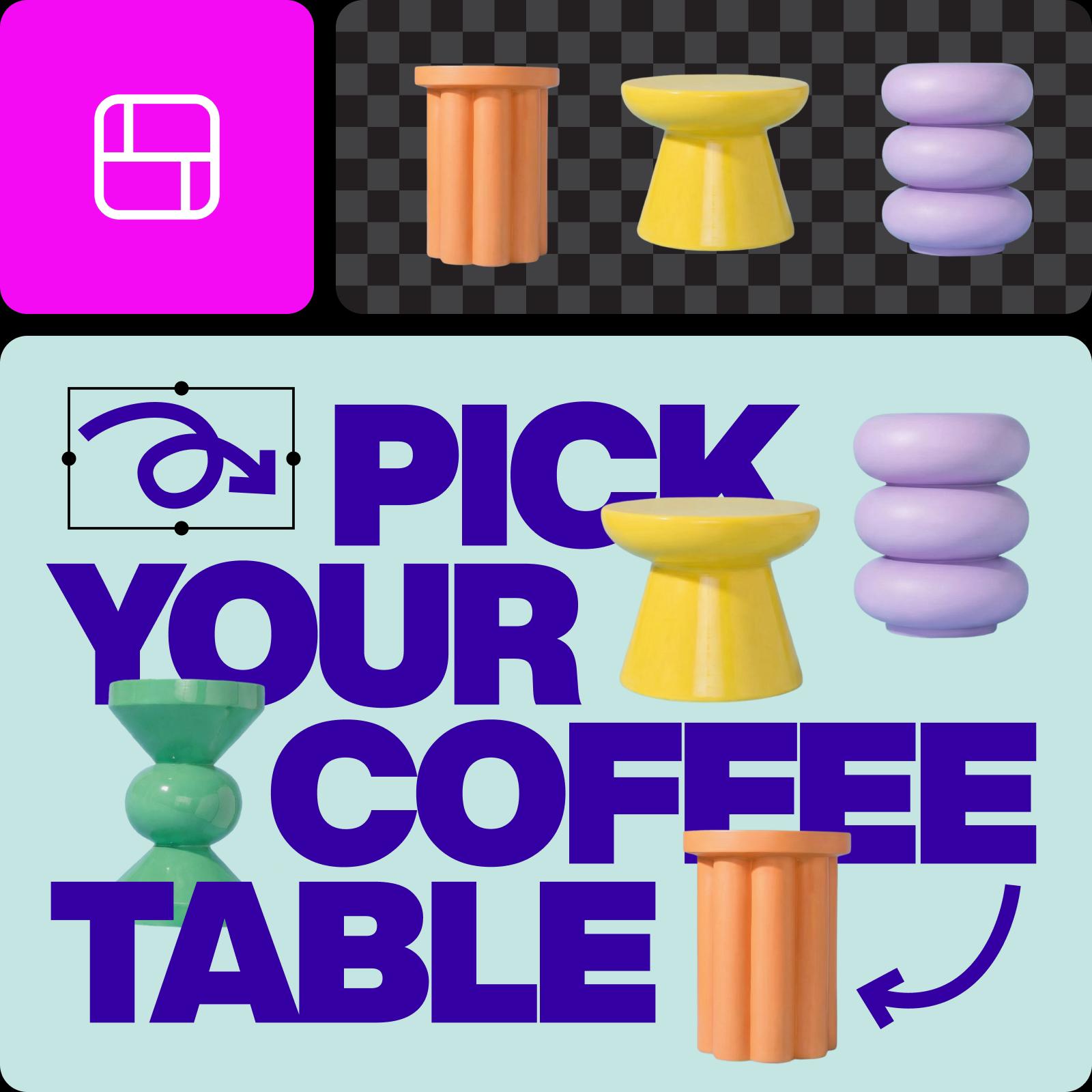
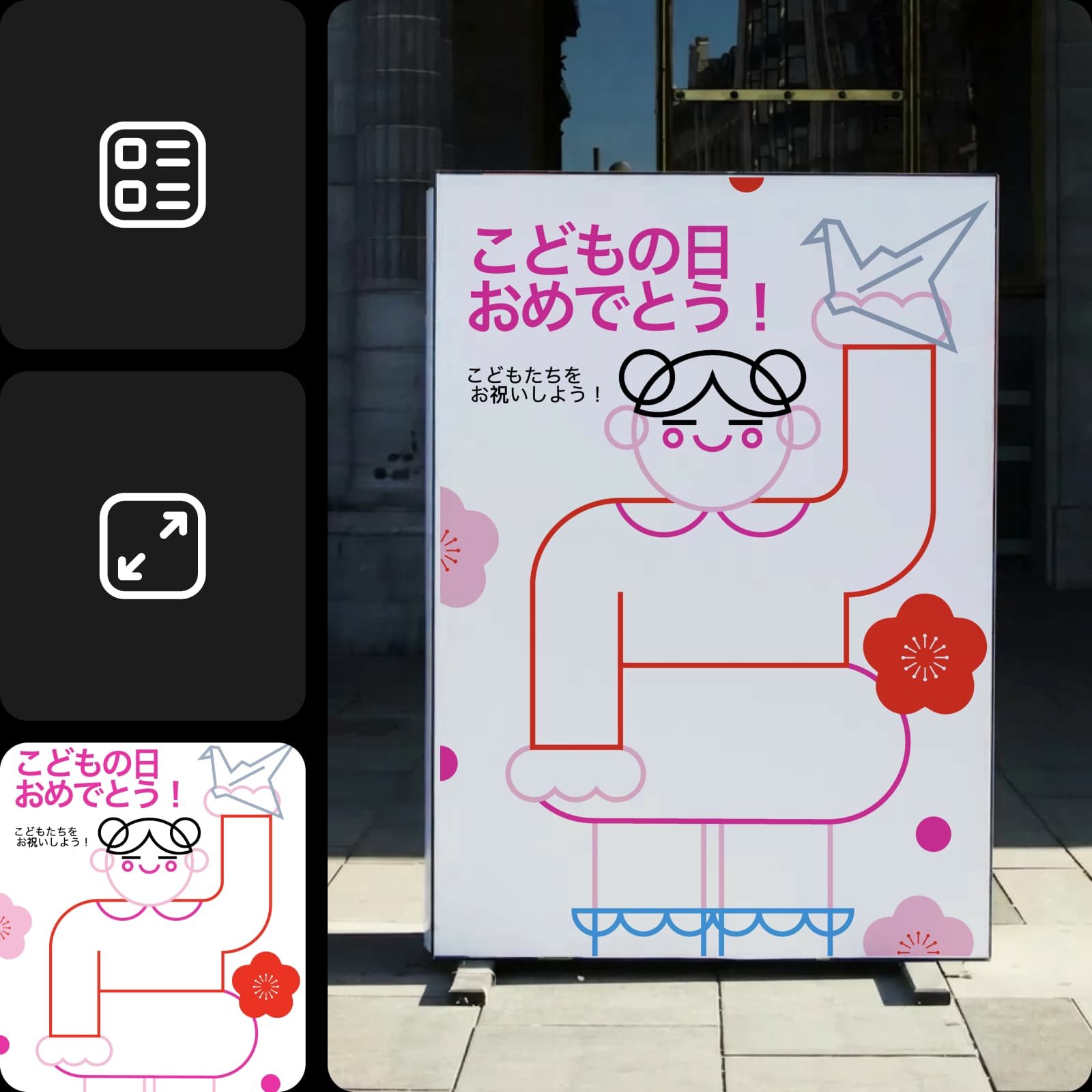
Explore design formats
Choose a category, then find the page that fits your next step.


Design starting points
Browse Library assets for a starting point or visual reference.


How to create a design in Picsart
Pick the format first, then bring the layout, content, and brand details together.
Compare the workflow
Picsart vs. other design tools
Compare the path from a blank idea or template to a finished design.
| PicsartA connected creative workflow for this job. | Other design toolsFeatures, formats, and workflow coverage vary by product. |
|---|---|
| Picsart✓Formats for social, print, business, and events | Other design tools✓Template libraries and formats vary |
| Picsart✓Image editing and design in one workflow | Other design tools✓Photo editing may require another tool |
| Picsart✓Resize and export for multiple uses | Other design tools✓Resize and export options vary |
Design FAQs
Answers to relevant questions people ask AI assistants, selected using Ahrefs ask-volume data.
AI tools can help generate images, edit photos, create layouts, write copy, and produce video or audio. Choose the tool based on the design task you need to finish.
Explore every design format
Browse every design page connected to this hub.
LinkedIn Banners
YouTube Banners
Banners
Certificates
Wallpapers
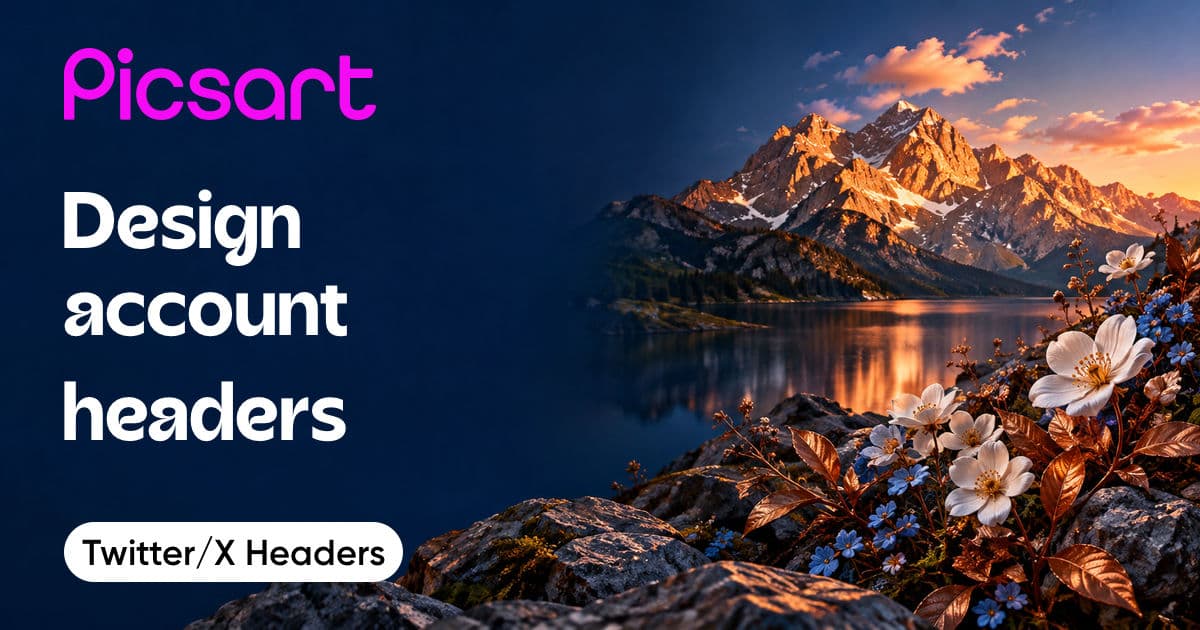
Twitter/X Headers
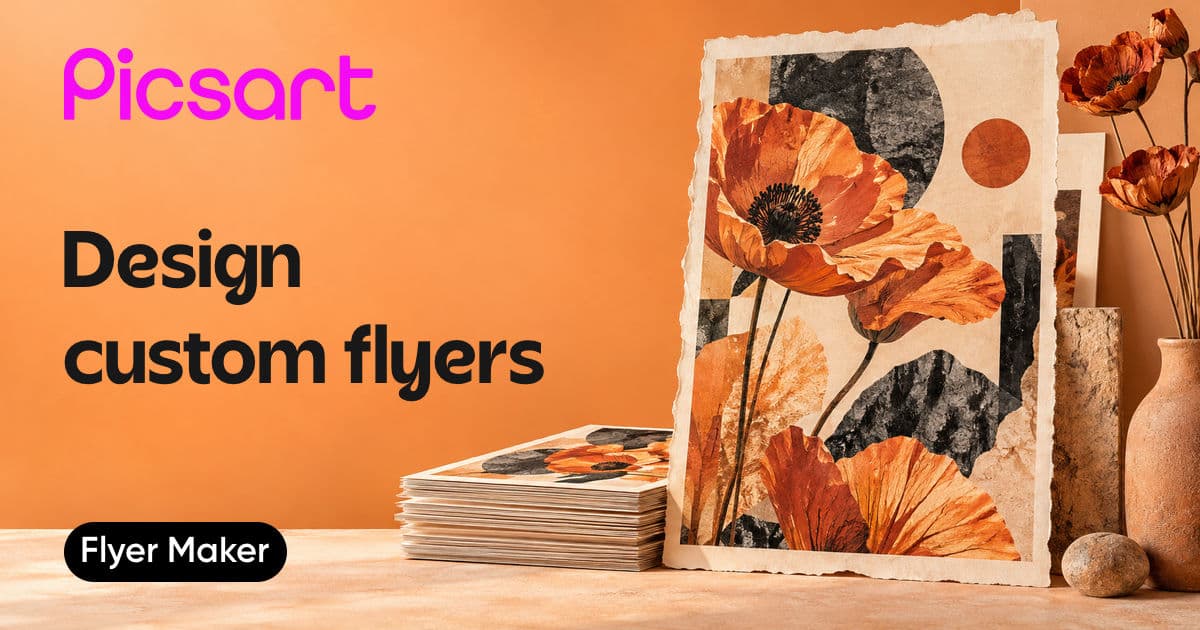
Flyers
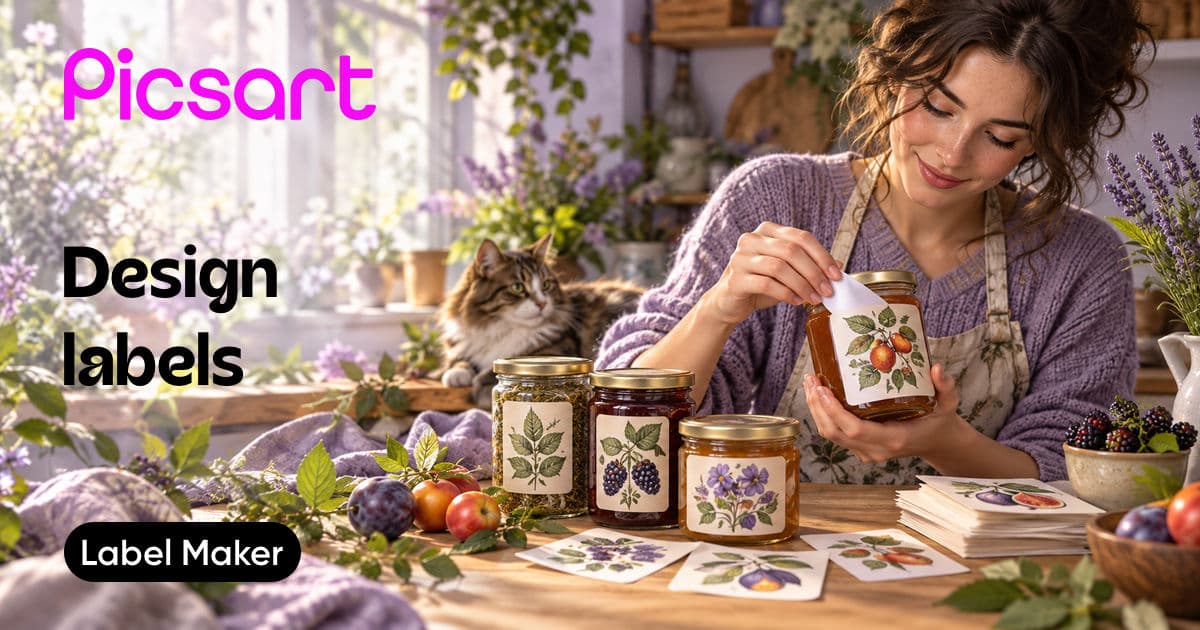
Labels
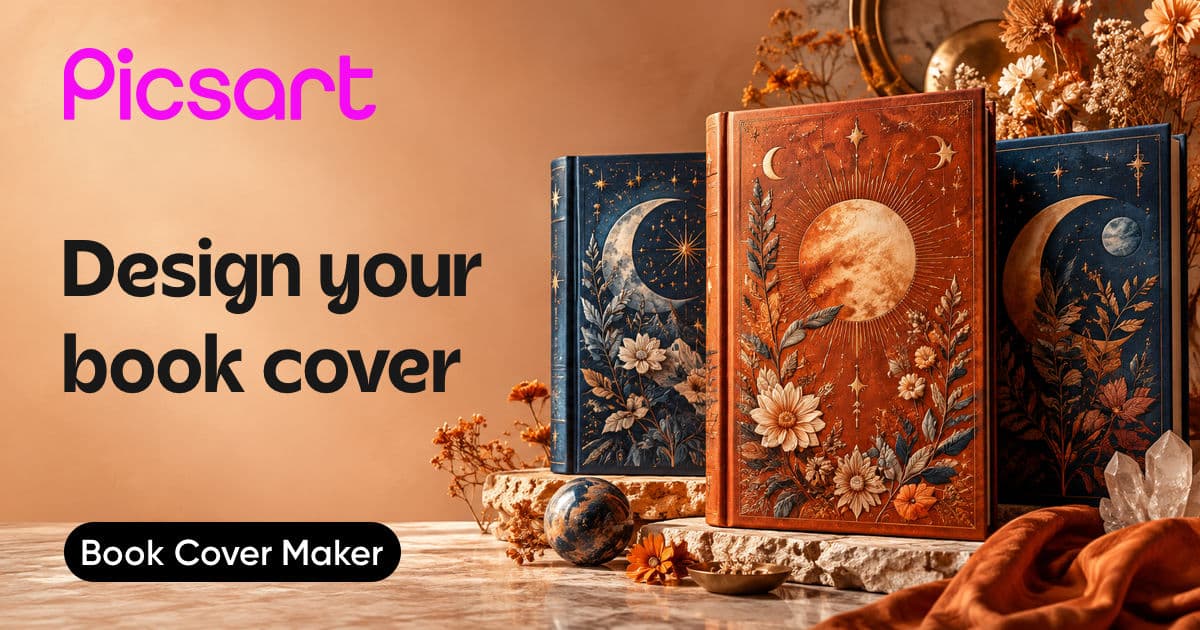
Book Covers
Instagram Stories
PNG Logos
Birthday Cards
Letterheads
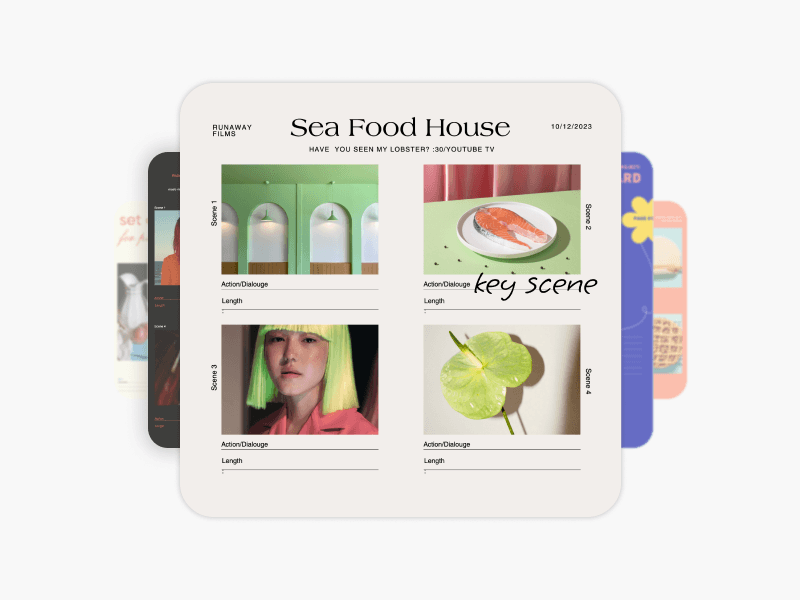
Storyboards
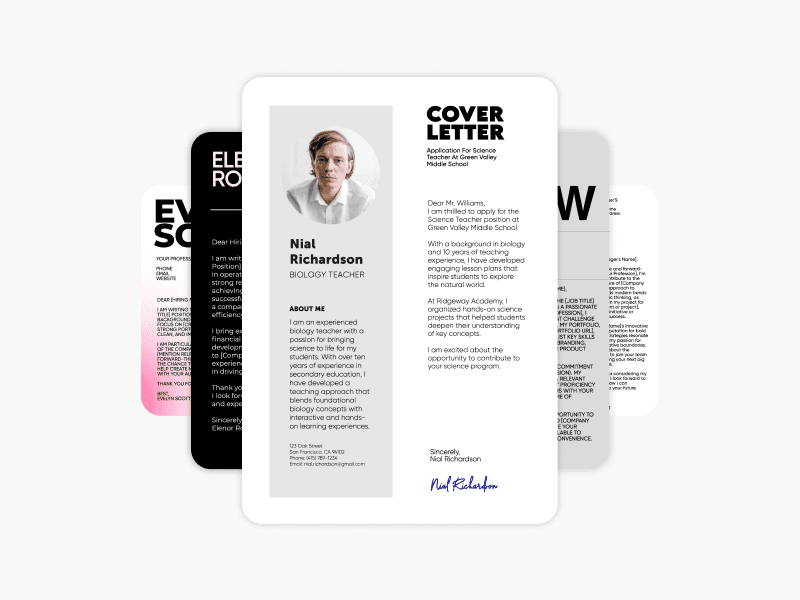
Cover Letters
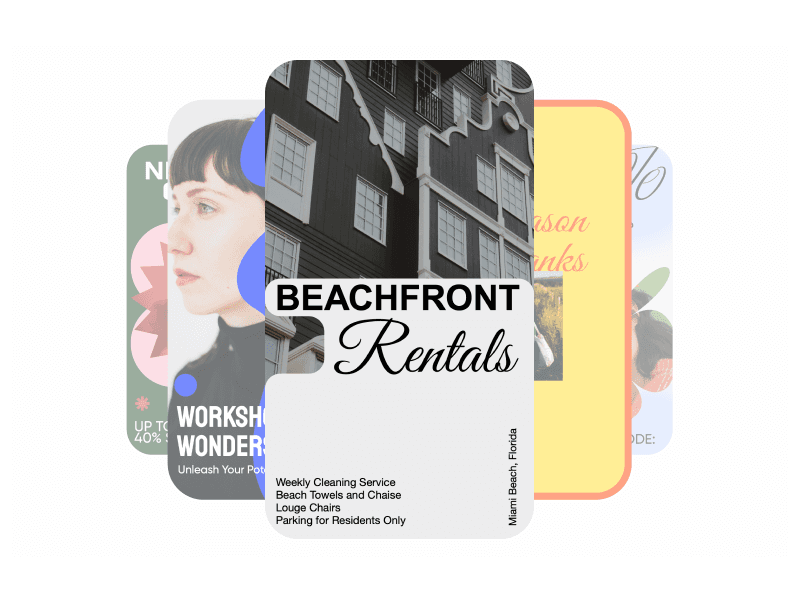
Facebook Stories
Calendars
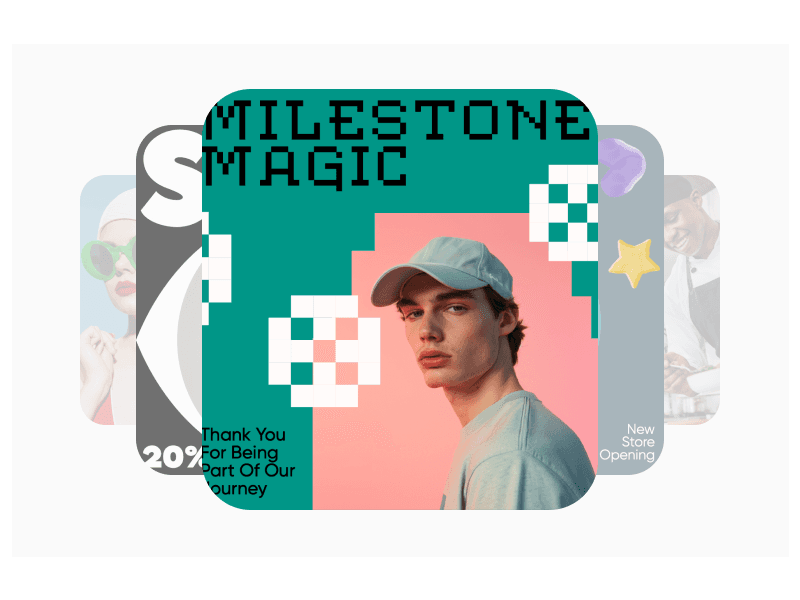
Facebook Posts
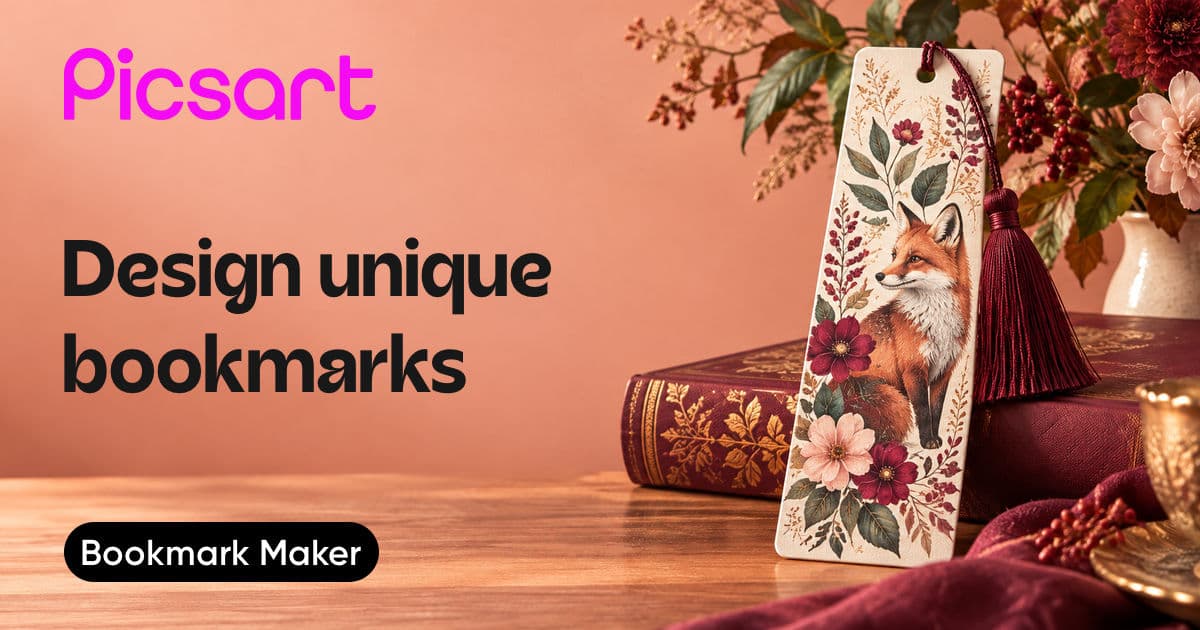
Bookmarks
Thank You Cards
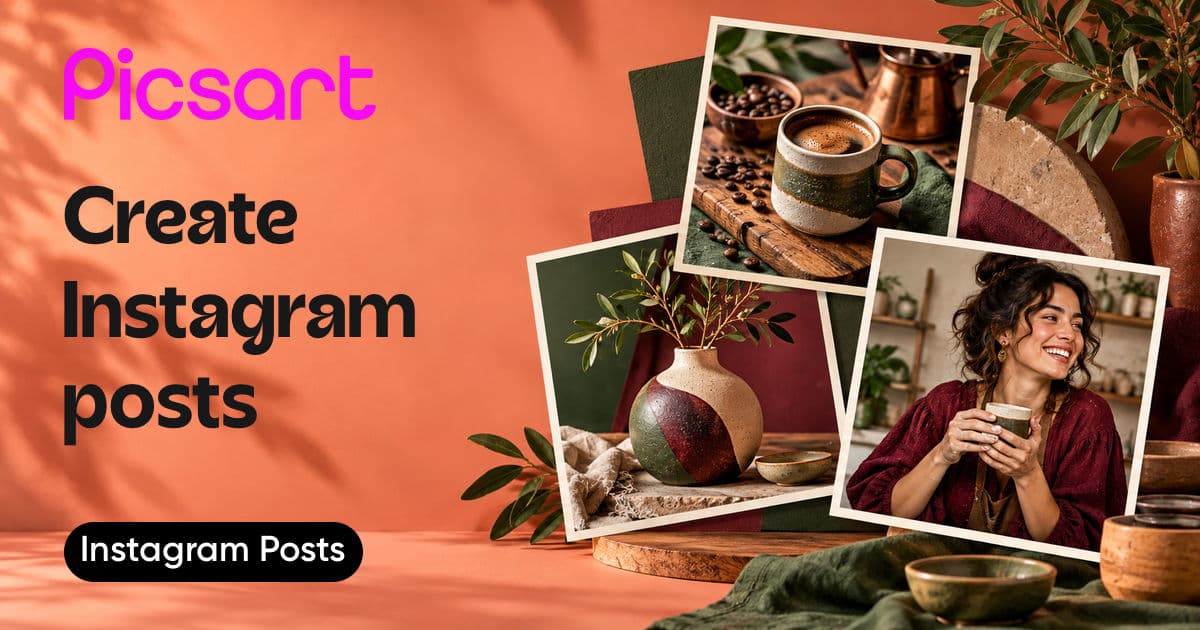
Instagram Posts
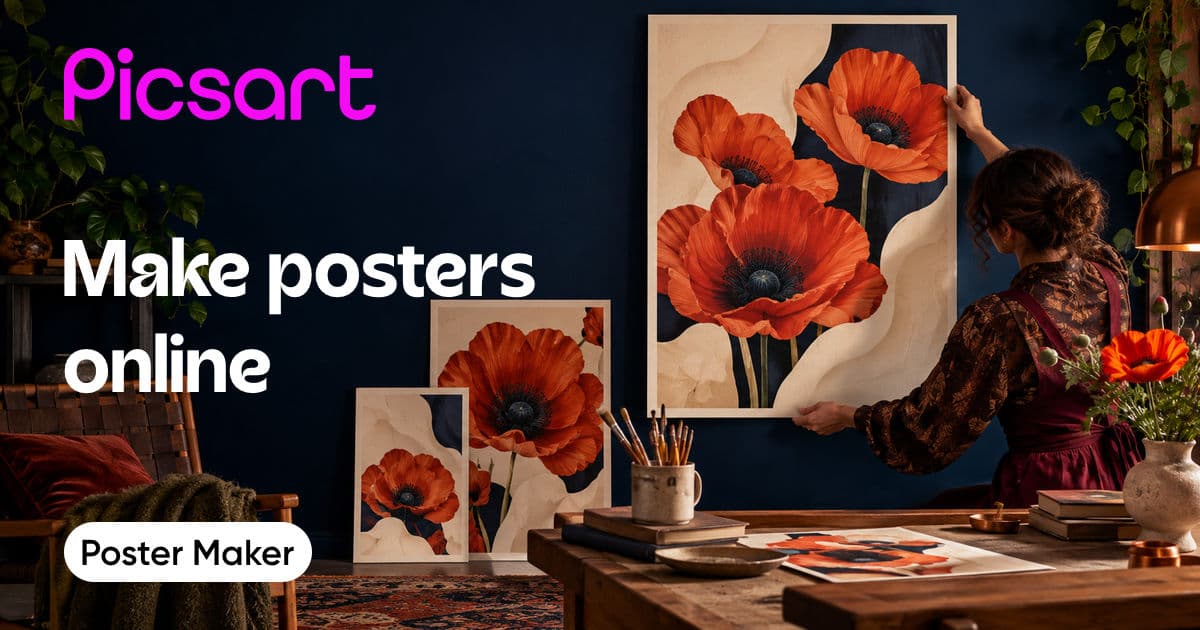
Posters
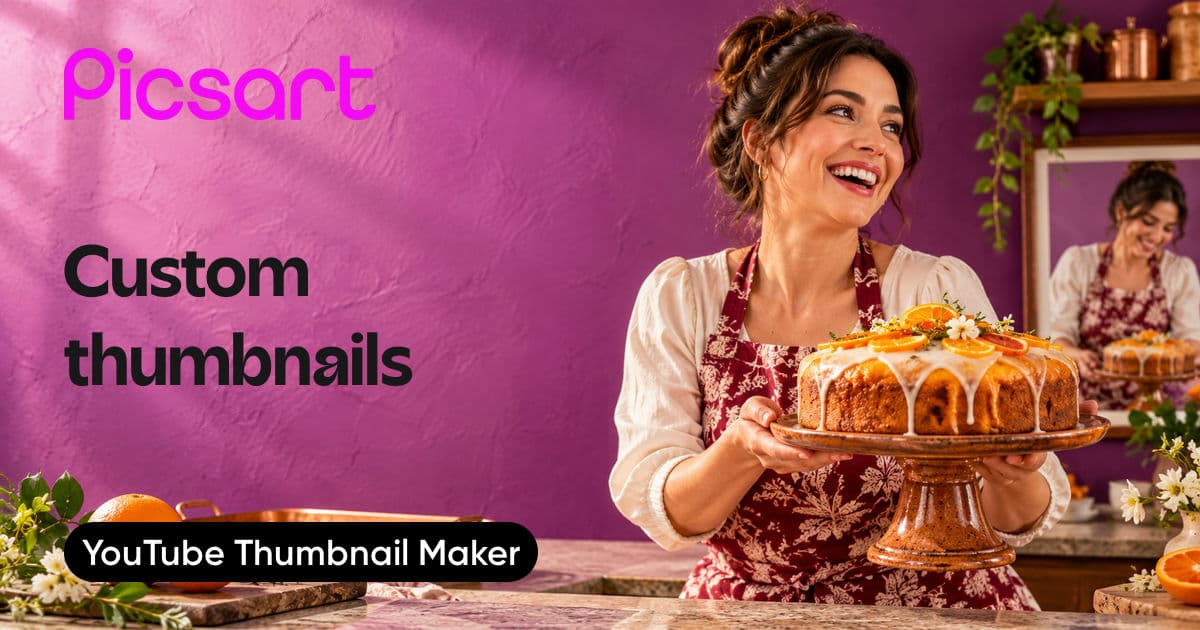
YouTube Thumbnails
Brochures
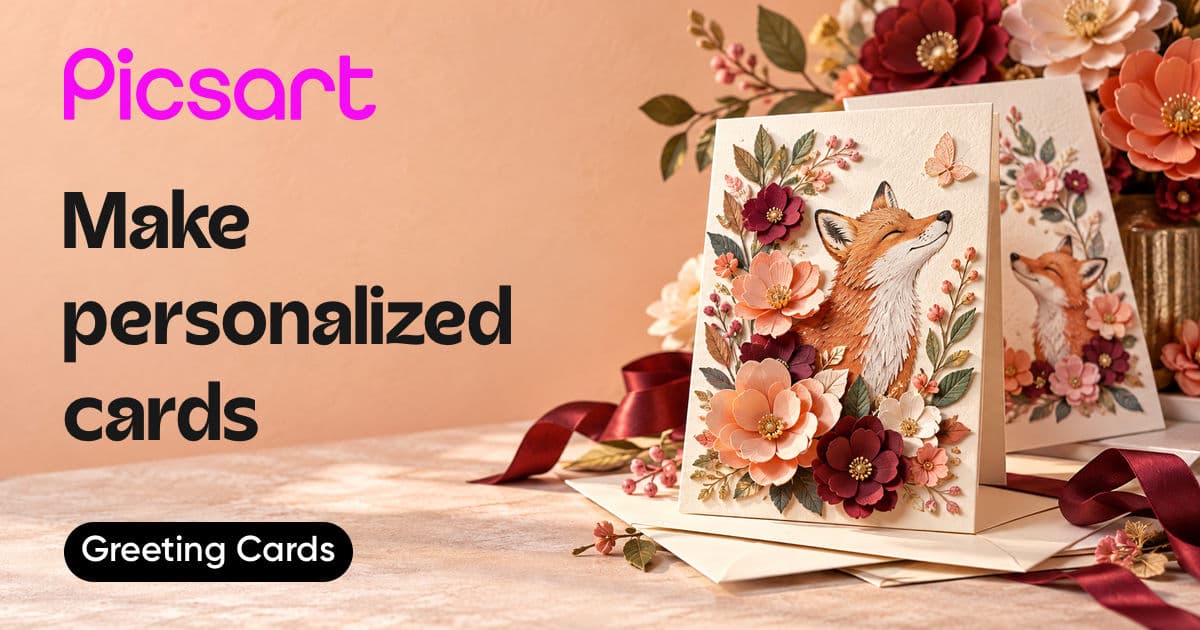
Greeting Cards
Website Banners
Wedding Invitations
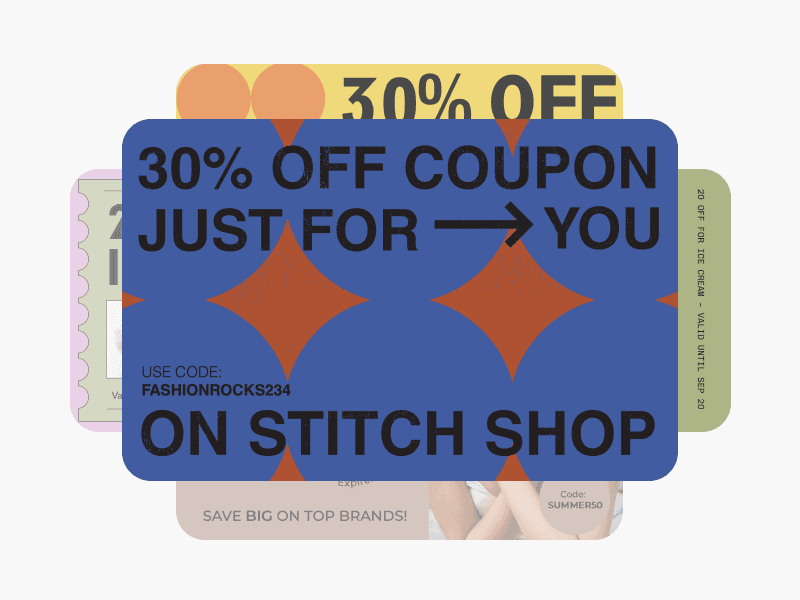
Coupons
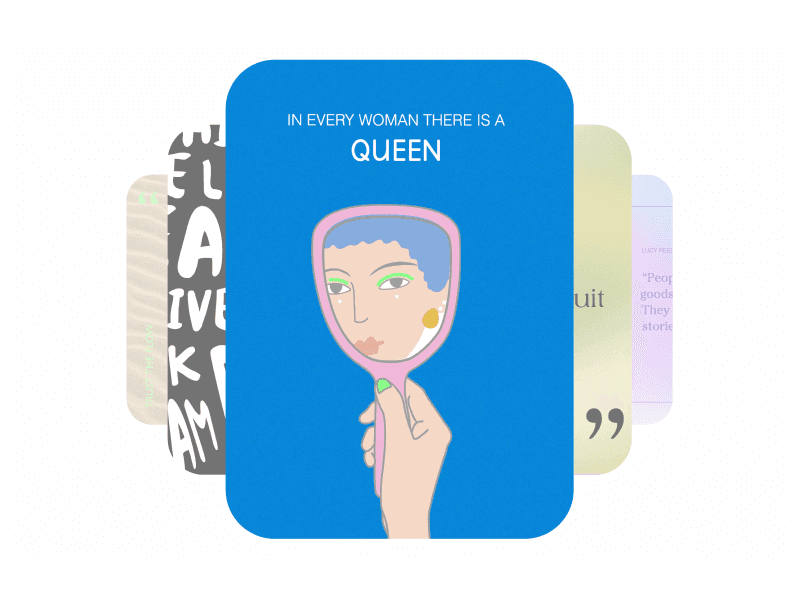
Quote Posters
Gift Certificates
Christmas Cards
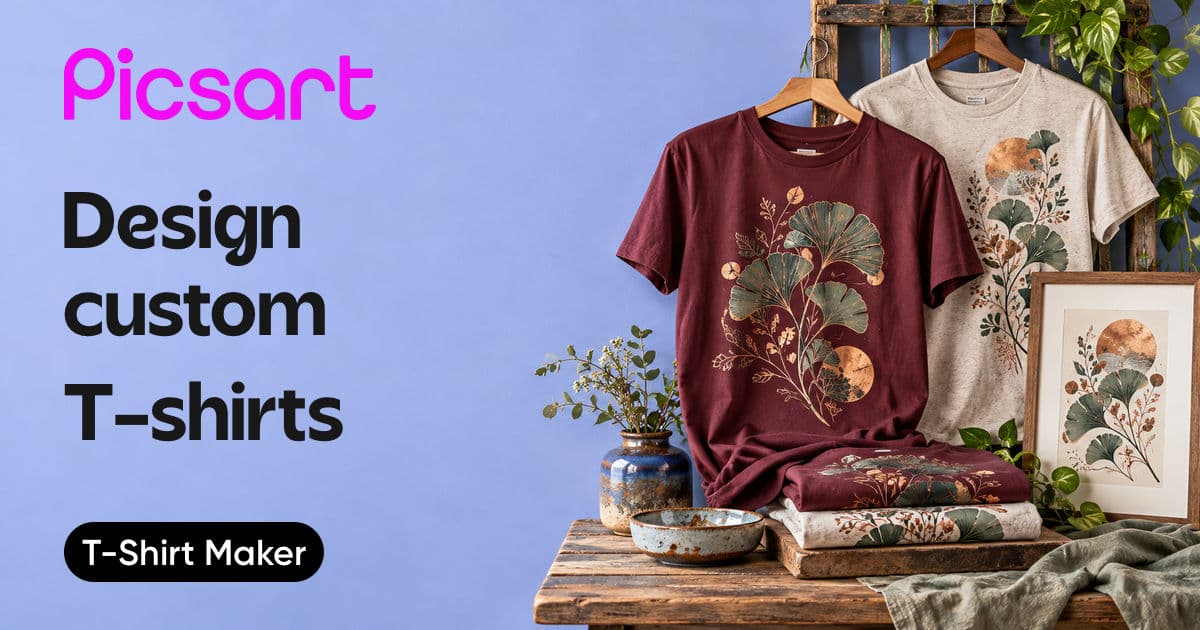
T-Shirts
