Ваше зображення, ваш наступний крок
Відредагуйте фотографію, створіть зображення на основі ідеї або додайте більше деталей до улюбленого знімка. Виберіть, що ви хочете зробити, і знайдіть Picsart інструменти, щоб досягти цього.
Що б ви хотіли змінити?
Виберіть категорію, а потім знайдіть сторінку, яка відповідає вашому наступному кроку.






Ідеї для портретів для вивчення
Перегляньте активи бібліотеки, щоб знайти відправну точку або візуальне посилання.


Знайдіть свій шлях від ідеї до образу
Ваша початкова точка підкаже вам, який інструмент використовувати.
Зберігайте фото. Змінити відчуття.
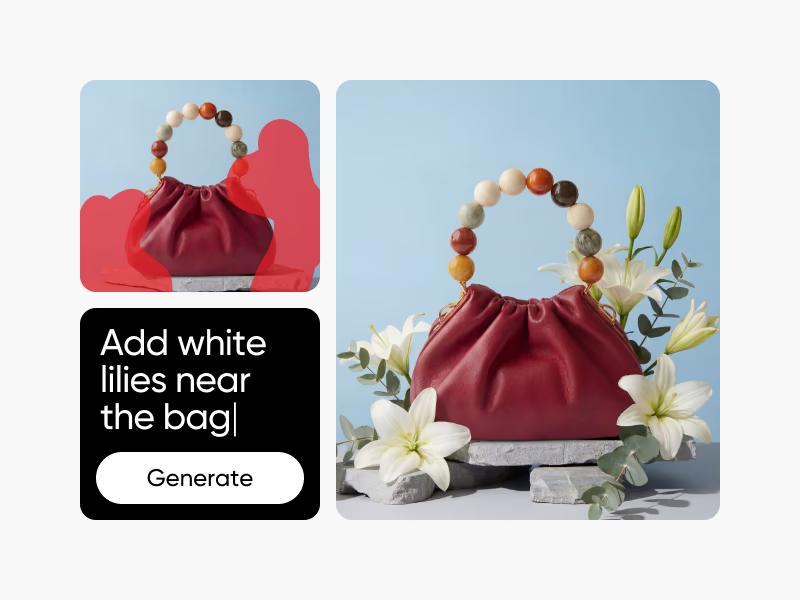
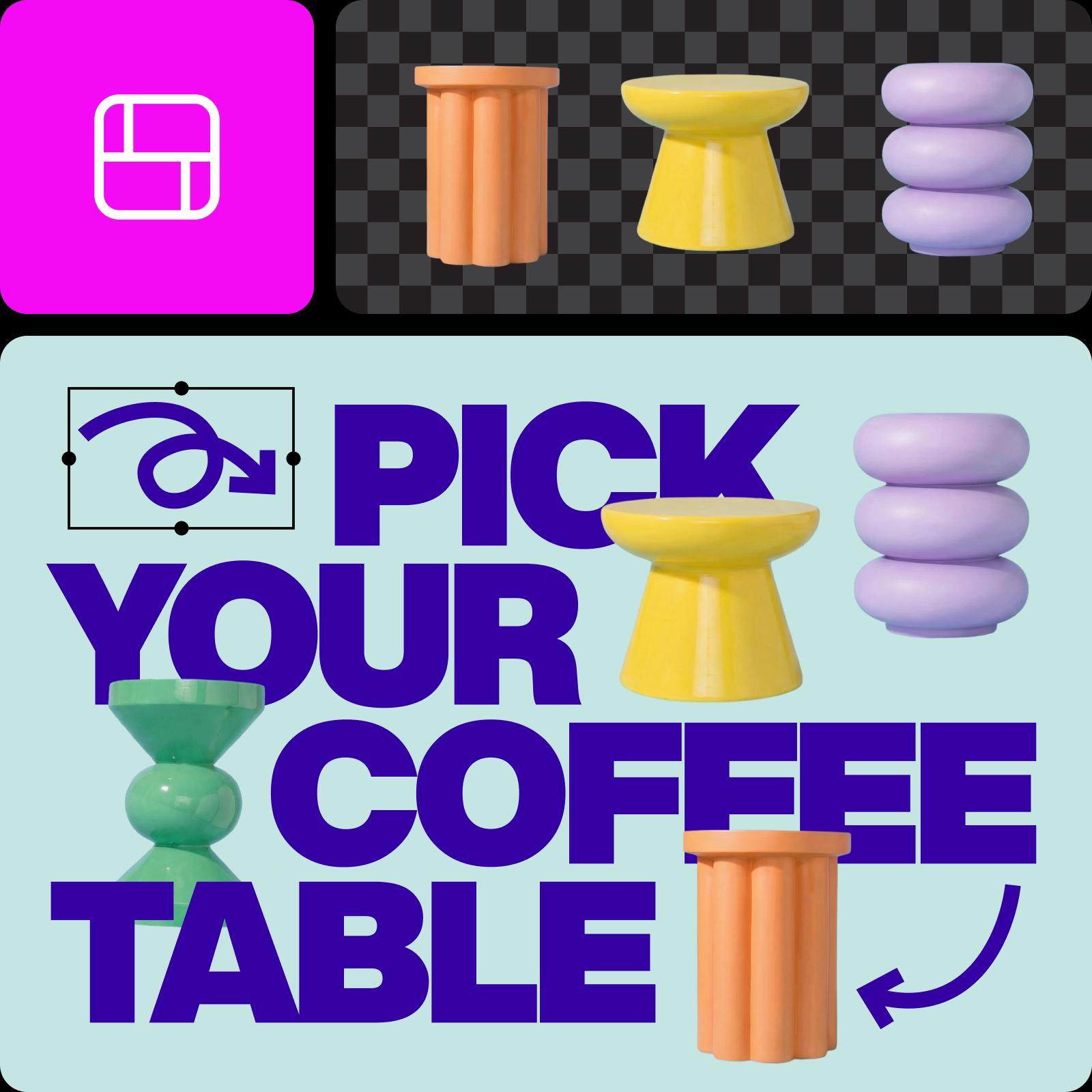
Гарне початкове зображення може стати іншою історією. Налаштуйте рамку та колір, додайте текст або спробуйте ефекти в редакторі фотографій. Виберіть AI Photo Editor, якщо хочете описати зміну словами.
Зробіть образ, який ви задумали
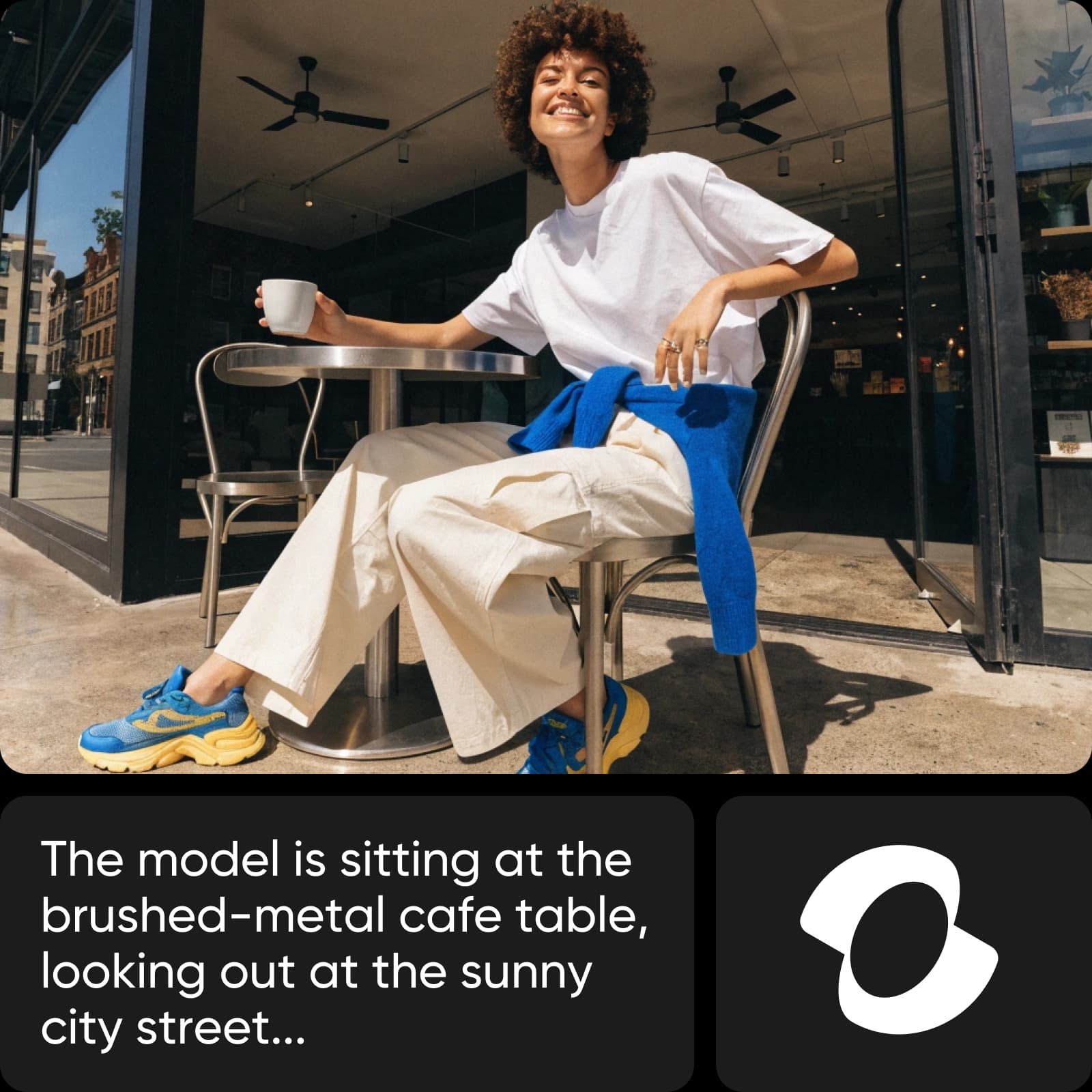
Немає початкової фотографії? Опишіть, що ви хочете побачити. Додайте об’єкт, сцену, освітлення та стиль, а потім уточніть результат. Використовуйте створене зображення як відправну точку для свого наступного дизайну.
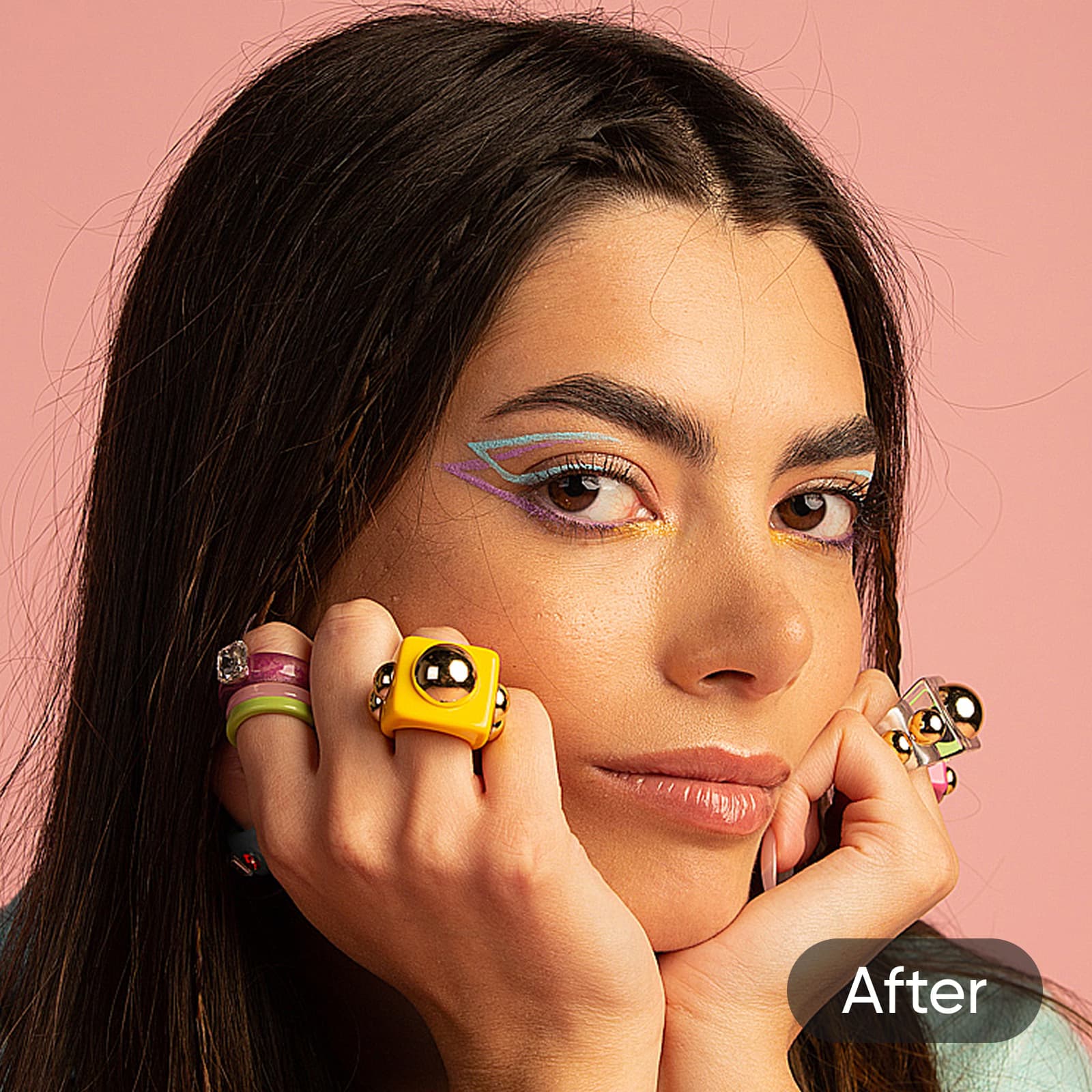
Надайте існуючому зображенню більш чіткого завершення
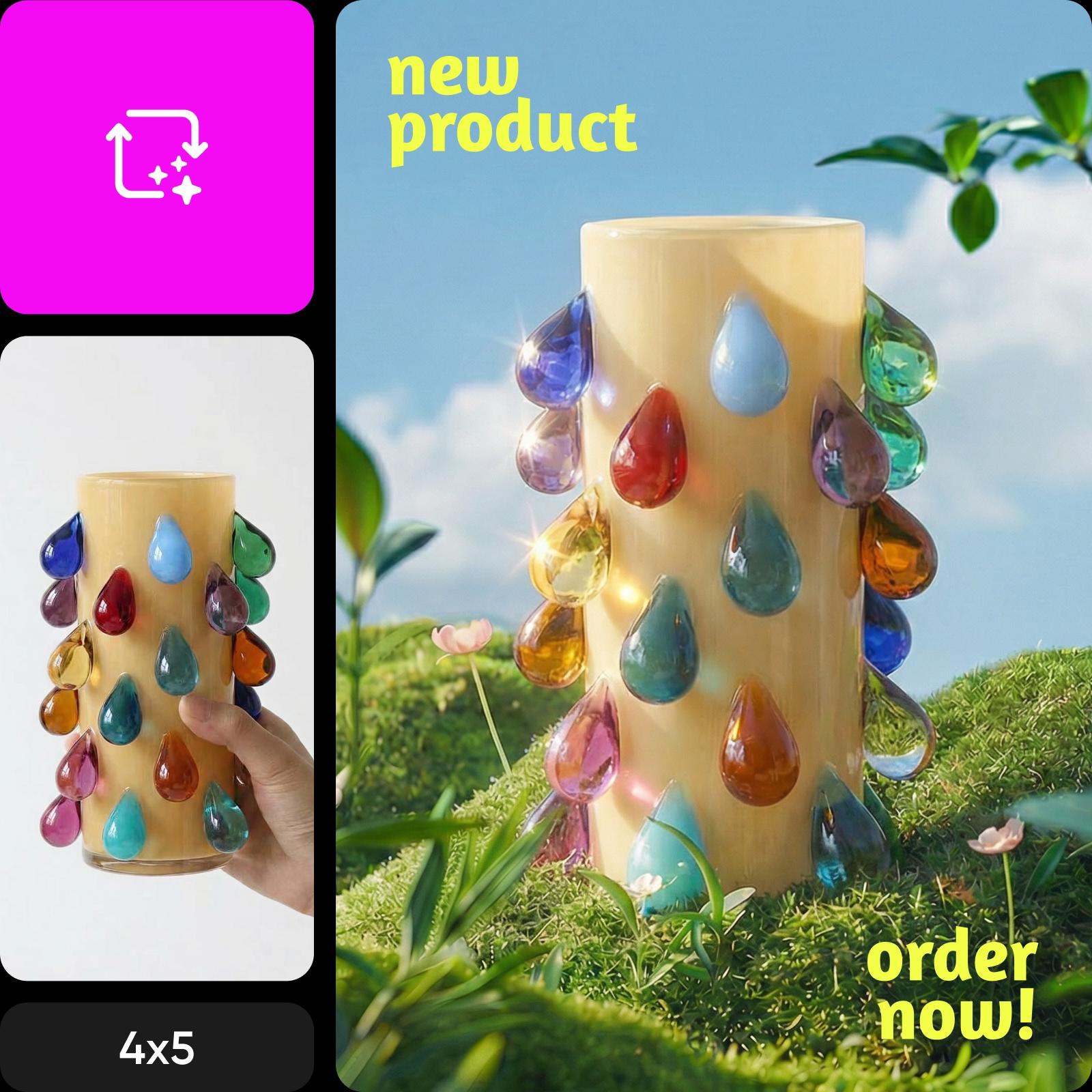
Використовуйте AI Image Enhancer, якщо ваша початкова фотографія потребує більшої чіткості. Уважно перегляньте результат, перш ніж використовувати його — покращення може покращити його зовнішній вигляд, але не може відновити кожну втрачену деталь.
Порівняйте платформи зображень
Досліджуйте робочі процеси створення та редагування зображень на різних платформах.
Питання щодо вибору інструменту зображення
Використовуйте фоторедактор, якщо у вас уже є фотографія, і ви хочете її обрізати, налаштувати або оформити. Використовуйте AI Image Generator, щоб створити нове зображення з опису. Виберіть AI Image Enhancer, якщо ваша головна мета — чіткіше зображення.